

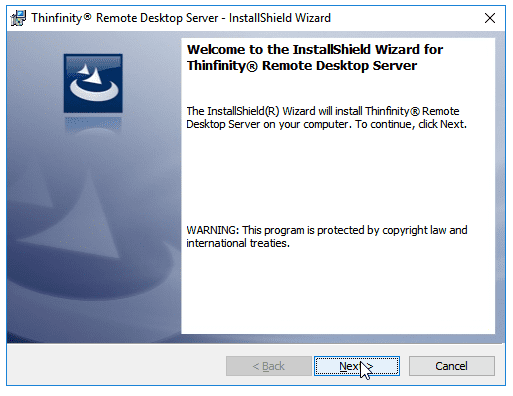

Installing Thinfinity® VirtualU for the first time is pretty simple. It is pretty much a “next, next” installation. There are just a few things you have to take into account. Let’s see check the installation steps:
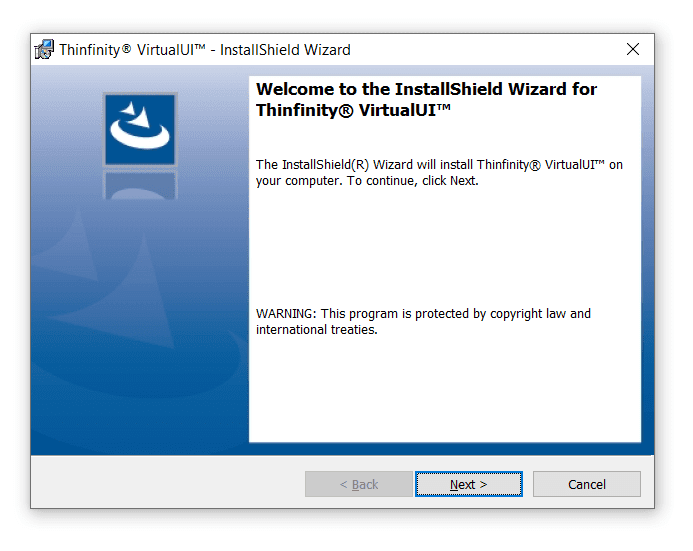
1. Open up the setup file (previously downloaded from this page), on the first screen just click Next:
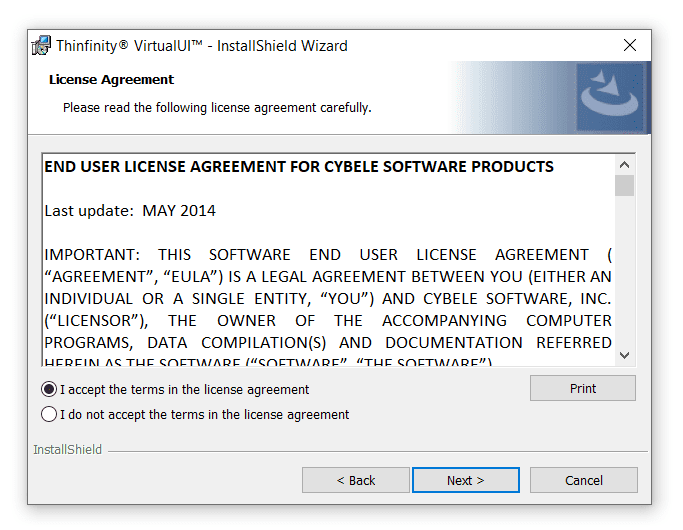
2. Click “I accept the terms in the license agreement” and then “Next”:
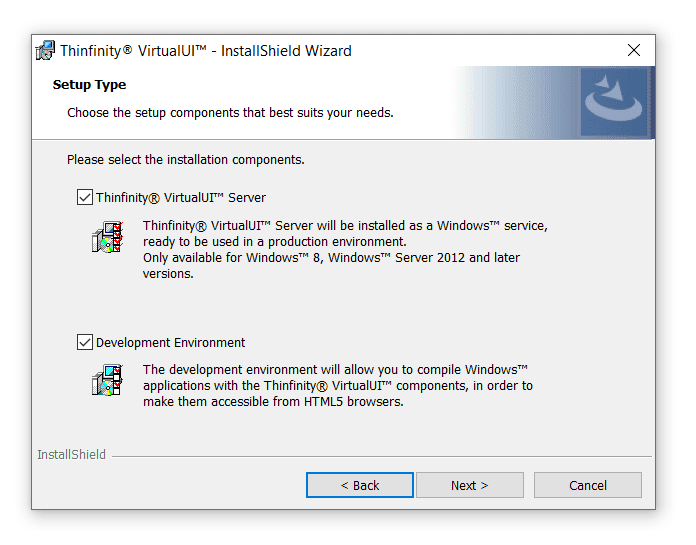
3. In this screen leave “Thinfinity® VirtualUI Server” and “Development Environment” selected and press ‘Next’.
4. Leave “All components” selected and click “Next”.
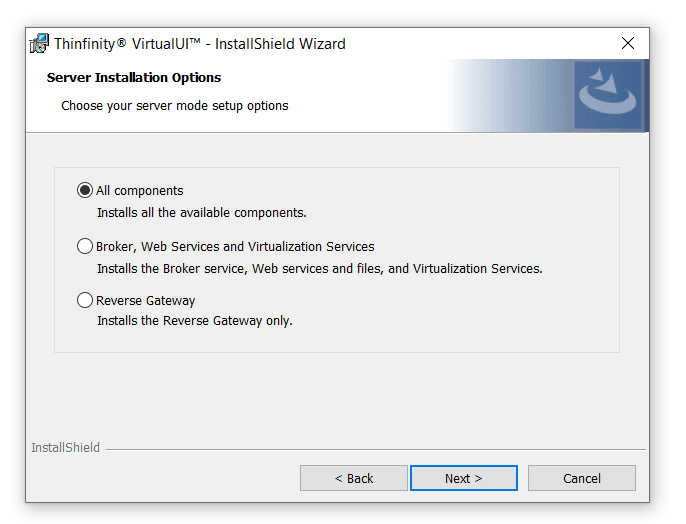
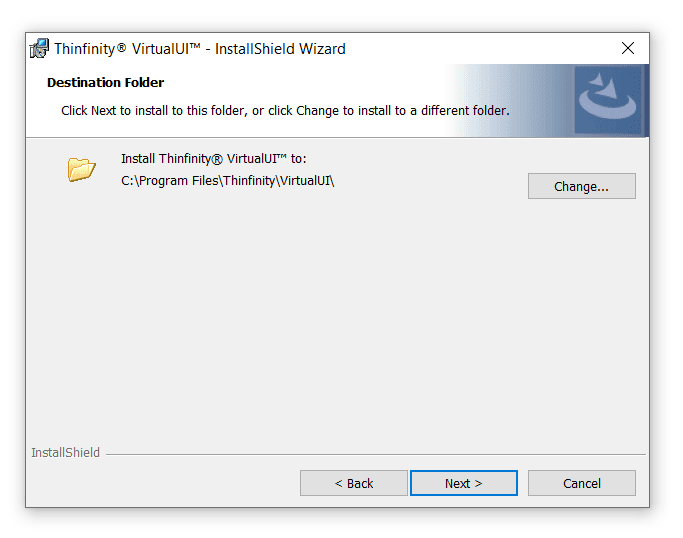
5. If you wish to choose a different folder press “Change”, otherwise you can go to “Next” directly:
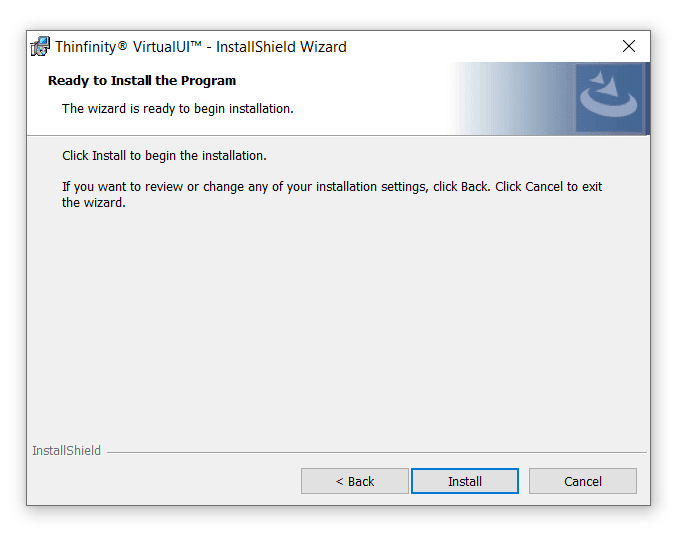
6. Hit “Install”.
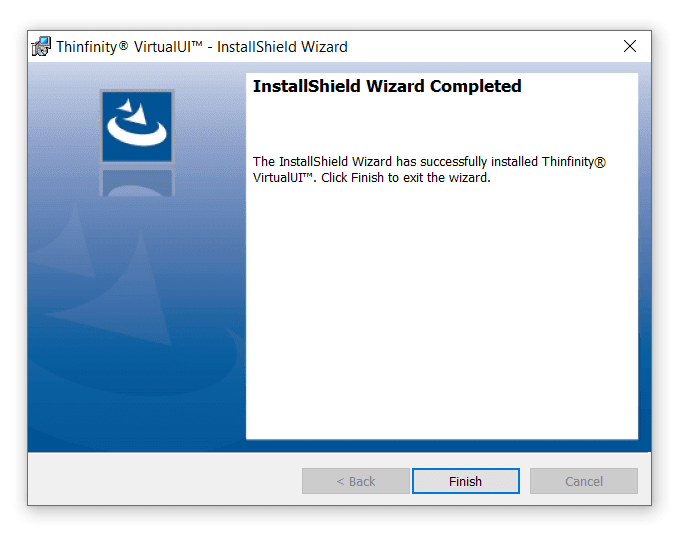
7. After it ends, press “Finish”.
In your start menu, you should have a new icon for “Thinfinity® VirtualUI”.
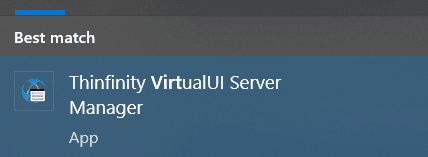
Given that it’s the first time you use the software, the first screen you will see is:

Select “Get a new Trial Serial Number” and press “Next”.
Fill your name and e-mail address and press “Next”, make sure this PC has internet access, otherwise contact sales@cybelesoft.com so they can provide you with a trial key:
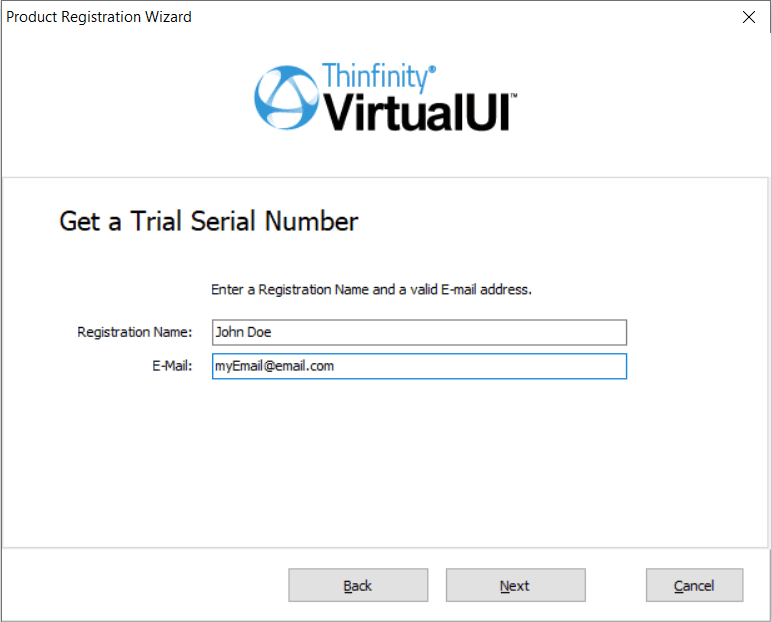
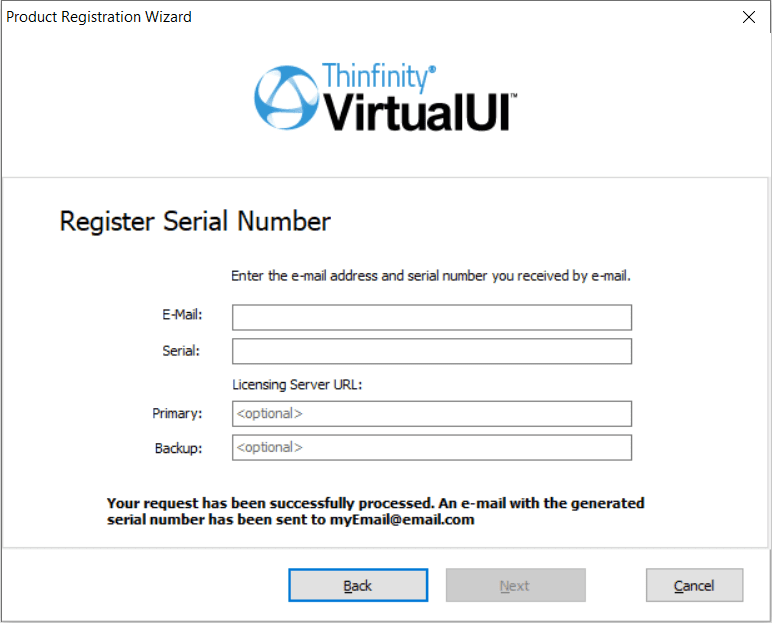
You should instantly get an e-mail with a trial key and will be redirected to the screen below where you can enter this information:
If the registration was successful, you’ll see this message. If not, please contact support@cybelesoft.com
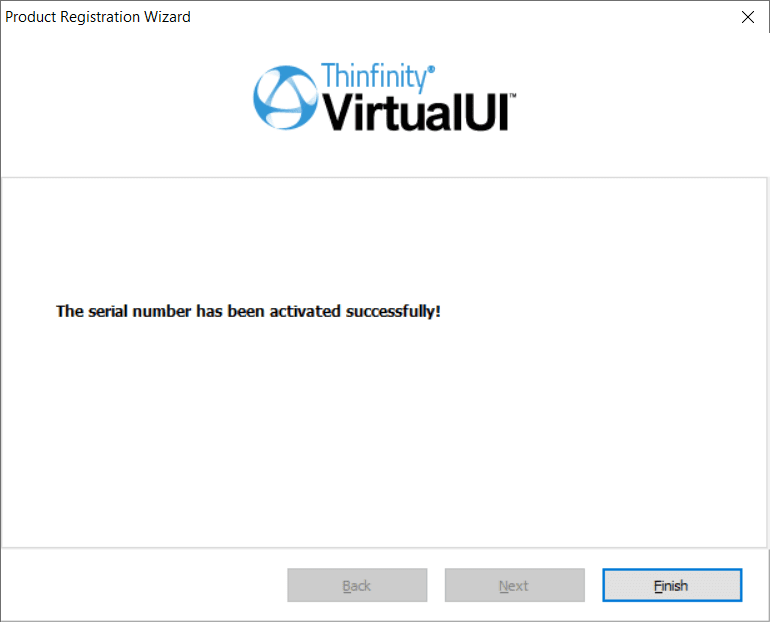
Hit “Finish” to complete the installation process. Great! Now it’s time to publish your Windows apps!



13 Comments
THANK u
Hi, I’m experiencing exactly the same issue as John – “I installed on current Windows 10 with VC2019 as directed, non-load balanced server and dev environment. I did get the trial serial number successfully activated…start web browser just brings up a Firefox 73.0 window of “Application Load Failed – license not found”, and after a delay the Winform starts as usual on the desktop. Please advise?”
The trial license number is activated, but all that appears at http://127.0.0.1:6080/ is “Application Load Failed – license not found”. Please help!
Hi Trevor!
It could be that the development server manager still needs to be activated. One of our reps will contact you during today to arrange a meeting so we can help you with this.
Hi all,
I am using an xBase language called Harbor plus the Minigui graphics library.
I want to know what modifications I must make to the source program to use Thinfinity-Virtualui.
Thanks in advance.
Hi Francisco,
Thanks for contacting us.
Here is a small project for xBase that ir ready for VirtualUI that might help: https://www.cybelesoft.com/support/files/DemosVUI/XBasepp.zip
If you need any assistance, don’t hestita to contact support@cybelesoft.com so one of our reps can help you with this.
I installed on current Windows 10 with VC2019 as directed, non-load balanced server and dev environment. I did get the trial serial number successfully activated. Starting the app gives your “Welcome” splash, but start web browser just brings up a Firefox 73.0 window of “Application Load Failed – license not found”, and after a delay the Winform starts as usual on the desktop. Please advise?
Hi John,
I see that you got a response from our tech team.
Just in case others experience the same error, let me paste here the link to the guide to register VirtualUI v2.5 license:
https://dev-blog.cybelesoft.com/register-thinfinity-virtualui-v2-5-licenses/
Best regards,
Mariana
Hi Daniel! We offer a free trial key to anyone who wants to test our software.
If you wish to try Thinfinity VirtualUI or any other application, contact us.
support@cybelesoft.com
David, have you received it ? Is it serious this offer?
I do not get the serialnumber
Dear David,
We sent you an email and we await your response. Any chance you got the email captured by your anti-spam filter?
Please check your mail again.
Otherwise, please open a chat session to request the trial.
Thanks!
Dear Claudio,
We did send the key to try Thinfinity VirtualUI.
Any chance you got the email captured by your anti-spam filter?
Please check your mail again.
You can always write to support@cybelesoft.com or open a chat session to request the trial to be sent to you again.
Thanks!
I did not receive a serial number in my e_mail to test the product.