



Unlock Superior Video Quality and Performance in Virtual Desktop Infrastructure
In today’s remote-first business environment, H.264 video streaming for VDI has become the gold standard for delivering exceptional virtual desktop experiences. Organizations worldwide are discovering how H.264 hardware acceleration can dramatically transform their virtual desktop infrastructure, providing crystal-clear video quality while optimizing GPU resources and reducing bandwidth consumption.
Why H.264 Video Streaming is Essential for Modern VDI Deployments
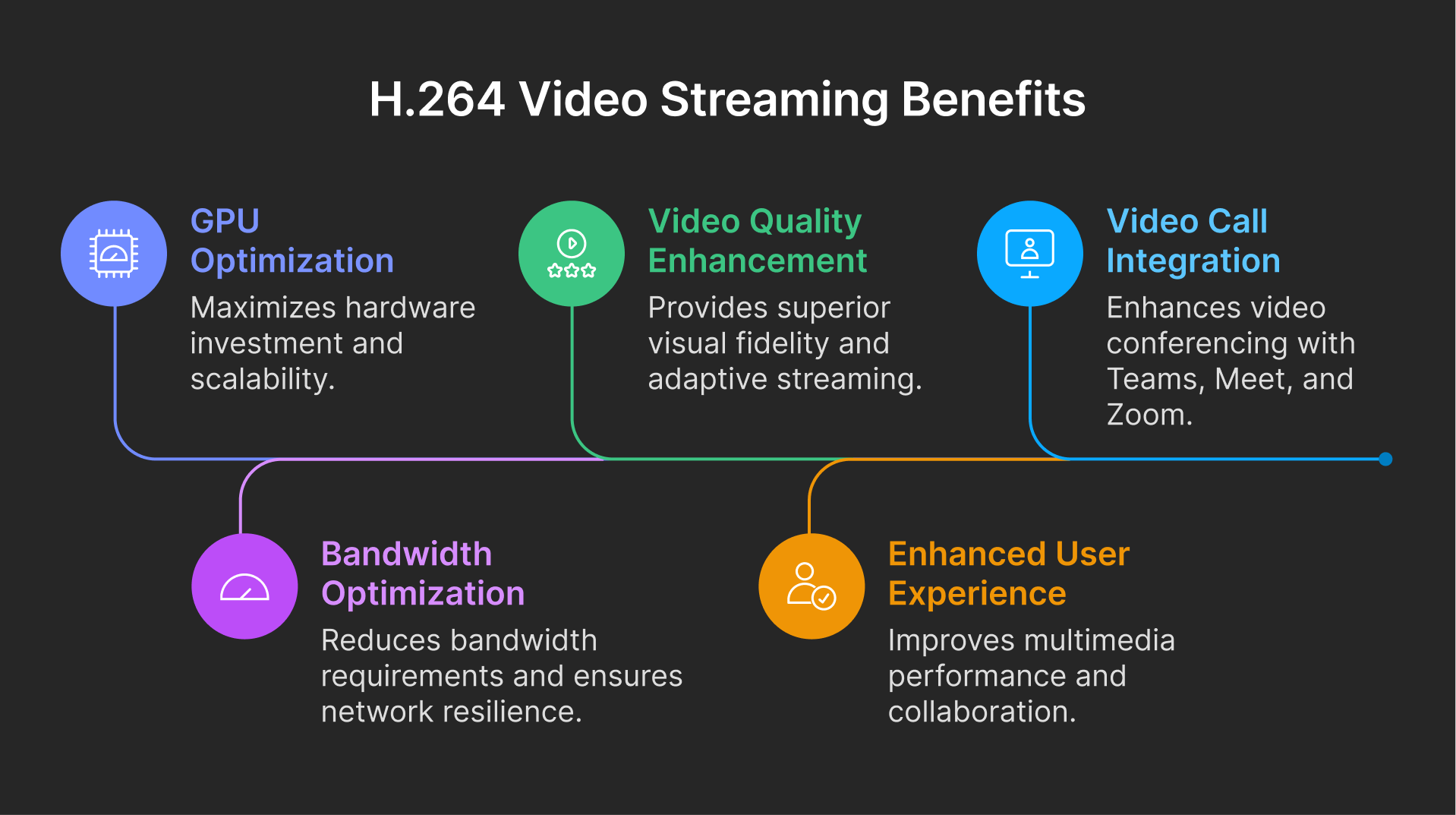
Revolutionary Video Quality Enhancement
H.264 codec technology represents a quantum leap in video streaming efficiency for virtual desktop environments. Unlike traditional display protocols, H.264 VDI streaming delivers:
Superior Visual Fidelity: Experience true-to-life color reproduction and sharp image quality that rivals local desktop performance. H.264’s advanced compression algorithms ensure that every pixel is optimized for clarity while maintaining minimal latency.
Adaptive Streaming Intelligence: The codec automatically adjusts video quality based on network conditions, ensuring consistent performance whether users are connecting from high-speed office networks or remote locations with limited bandwidth.
Motion Handling Excellence: Complex animations, video playback, and dynamic content render smoothly without the stuttering or pixelation common in legacy display protocols.
GPU Optimization: Maximizing Hardware Investment
Hardware-Accelerated Performance: H.264 leverages dedicated GPU encoding capabilities, freeing up CPU resources for critical business applications. This intelligent resource distribution means organizations can support more concurrent users per server while maintaining premium performance standards.
Scalability Without Compromise: GPU-accelerated H.264 encoding allows businesses to scale their VDI deployments exponentially. Organizations report supporting 50-100% more users per GPU when utilizing H.264 hardware acceleration compared to software-only solutions.
Energy Efficiency: By offloading video processing to specialized GPU hardware, overall system power consumption decreases significantly, contributing to reduced operational costs and environmental sustainability goals.
Bandwidth Optimization: Doing More with Less
Intelligent Compression Technology
H.264’s sophisticated compression algorithms deliver exceptional bandwidth efficiency that directly impacts operational costs and user experience:
Up to 80% Bandwidth Reduction: Compared to uncompressed video streams, H.264 can reduce bandwidth requirements by up to 80% while maintaining superior visual quality.
Network Resilience: Advanced error correction and adaptive bitrate streaming ensure smooth performance even on congested or unstable network connections.
Global Accessibility: Reduced bandwidth requirements make high-quality virtual desktops accessible to users in regions with limited internet infrastructure, expanding your organization’s reach.
Enhanced User Experience Across All Applications
Multimedia Excellence
H.264 streaming transforms how users interact with multimedia content within virtual desktop environments:
Seamless Video Playback: HD and 4K video content streams flawlessly without buffering or quality degradation, making virtual desktops suitable for media-intensive workflows.
Graphics-Intensive Applications: CAD software, design applications, and data visualization tools perform with near-native responsiveness, eliminating the traditional limitations of virtual desktop environments.
Real-Time Collaboration: Screen sharing and collaborative editing become smooth and responsive, enhancing team productivity and communication.
Video Calls Revolution: Teams, Google Meet, and Zoom Integration
Transform Your Virtual Meeting Experience
Modern businesses depend on seamless video conferencing integration within their VDI environments. H.264 optimization specifically enhances video calls in virtual desktops, delivering enterprise-grade communication capabilities:
Microsoft Teams Excellence: Experience crystal-clear video calls, screen sharing, and collaborative features with zero latency issues. H.264 optimization ensures that Teams meetings in virtual desktop environments match or exceed local desktop performance.
Google Meet Integration: Participate in high-definition Google Meet sessions with optimal video quality and audio synchronization, regardless of network conditions or virtual desktop location.
Zoom Professional Performance: Deliver professional-quality Zoom meetings with HD video, noise cancellation, and advanced features fully supported within your VDI environment.
Real-Time Audio and Video (RTAV) Capabilities: Advanced synchronization technology ensures perfect lip-sync and eliminates the audio-video delay that plagued traditional virtual desktop video conferencing solutions.
The integration of H.264 with specialized Real-Time Audio and Video technology creates an unparalleled video conferencing experience that rivals local desktop performance. Learn more about Real-Time Audio and Video capabilities for virtual desktops.
Implementation Benefits for Enterprise Organizations
Immediate ROI Through Performance Gains
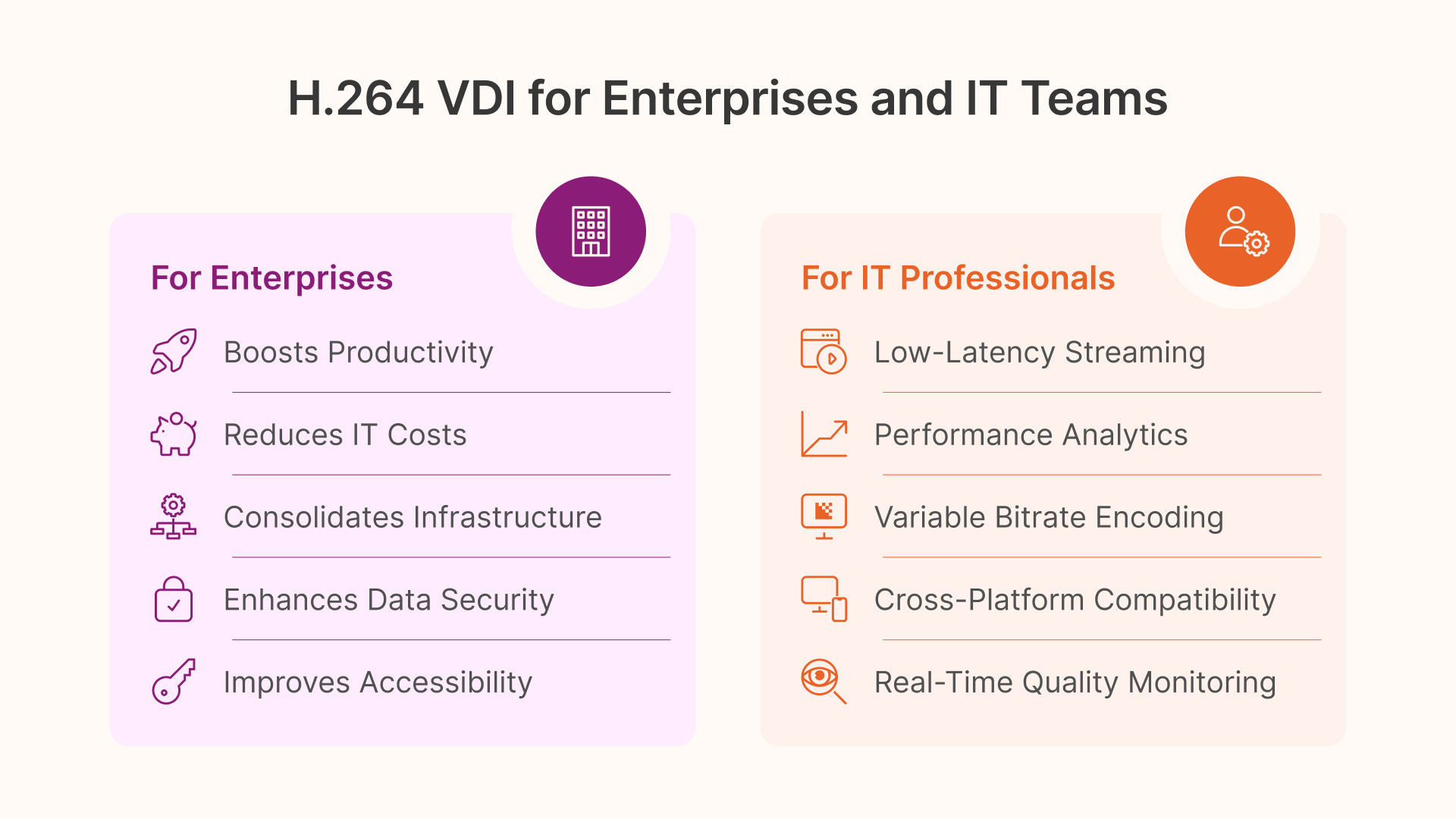
Productivity Boost: Users report 40-60% improvement in task completion times when working with graphics-intensive applications on H.264-optimized VDI systems.
Reduced Support Tickets: Superior performance and reliability lead to fewer user complaints and support requests, reducing IT overhead costs.
Infrastructure Consolidation: Enhanced efficiency allows organizations to support more users with existing hardware, delaying expensive infrastructure upgrades.
Security Without Compromise
H.264 streaming maintains the security advantages of VDI while delivering exceptional performance:
Data Protection: All processing occurs on secure servers with only compressed video streams transmitted to endpoints, maintaining data sovereignty and compliance requirements.
Endpoint Security: Reduced computational requirements on client devices minimize security vulnerabilities while maintaining high-performance user experiences.
Technical Advantages for IT Professionals
Advanced Codec Features
Variable Bitrate Encoding: Intelligent bitrate adjustment optimizes bandwidth usage based on content complexity and network conditions.
Low-Latency Streaming: Hardware-accelerated encoding reduces latency to imperceptible levels, crucial for interactive applications and real-time collaboration.
Cross-Platform Compatibility: H.264 streams work seamlessly across Windows, macOS, Linux, and mobile platforms without requiring specialized client software.
Monitoring and Management
Performance Analytics: Comprehensive metrics provide insights into bandwidth usage, GPU utilization, and user experience quality, enabling proactive optimization.
Quality Assurance: Real-time quality monitoring ensures consistent user experiences across diverse network conditions and client devices.
Implementation Guide and Best Practices
Getting Started with H.264 VDI Streaming
Implementing H.264 video streaming in your VDI environment requires careful planning and configuration to achieve optimal results. The process involves GPU selection, driver optimization, codec configuration, and network tuning.
Professional Implementation Support: For detailed step-by-step configuration instructions, technical requirements, and troubleshooting guidance, access our comprehensive implementation guide.
Hardware Requirements and Recommendations
GPU Selection: Modern NVIDIA and AMD GPUs with dedicated H.264 encoding capabilities provide the best performance and user density.
Network Infrastructure: Gigabit ethernet and high-quality Wi-Fi 6 networks maximize the benefits of H.264 streaming optimization.
Server Specifications: Balanced CPU and GPU configurations ensure optimal resource utilization and cost-effectiveness.
Future-Proof Your Virtual Desktop Investment
Emerging Technologies Integration
H.264 serves as the foundation for next-generation VDI capabilities:
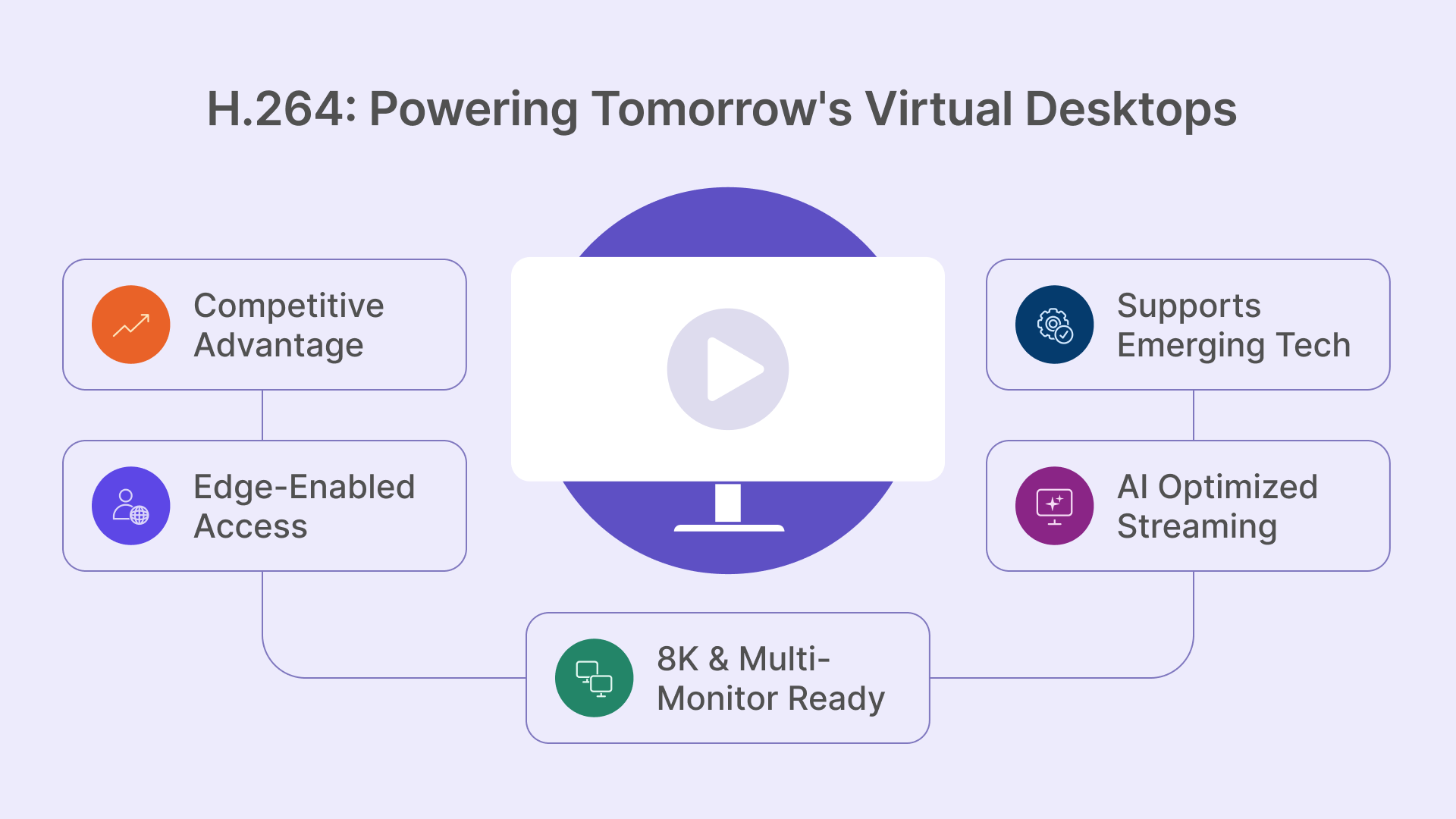
AI-Enhanced Streaming: Machine learning algorithms further optimize compression and quality based on content analysis and user behavior patterns.
8K and Beyond: Hardware-accelerated H.264 provides the foundation for supporting ultra-high-resolution displays and multi-monitor configurations.
Edge Computing Integration: Distributed H.264 processing enables low-latency virtual desktop access from edge locations worldwide.
Competitive Advantage Through Technology
Organizations implementing H.264-optimized VDI solutions gain significant competitive advantages:
Talent Attraction: Superior remote work experiences help attract and retain top talent in competitive markets.
Business Continuity: Robust, high-performance virtual desktop infrastructure ensures operational continuity regardless of physical location or circumstances.
Innovation Enablement: High-quality virtual desktop environments support advanced workflows and emerging technologies that drive business innovation.
Conclusion: Transform Your Organization with H.264 VDI Streaming
H.264 video streaming represents the future of virtual desktop infrastructure, delivering unprecedented performance, efficiency, and user satisfaction. By leveraging GPU acceleration and intelligent compression technology, organizations can provide desktop experiences that exceed user expectations while optimizing infrastructure investments.
The combination of superior video quality, bandwidth efficiency, and seamless video conferencing integration makes H.264-optimized VDI the clear choice for forward-thinking organizations. Whether supporting remote teams, enabling global collaboration, or driving digital transformation initiatives, H.264 video streaming provides the technological foundation for success.
Ready to revolutionize your virtual desktop experience? Discover how H.264 optimization can transform your organization’s productivity and competitive position in today’s digital-first business environment.