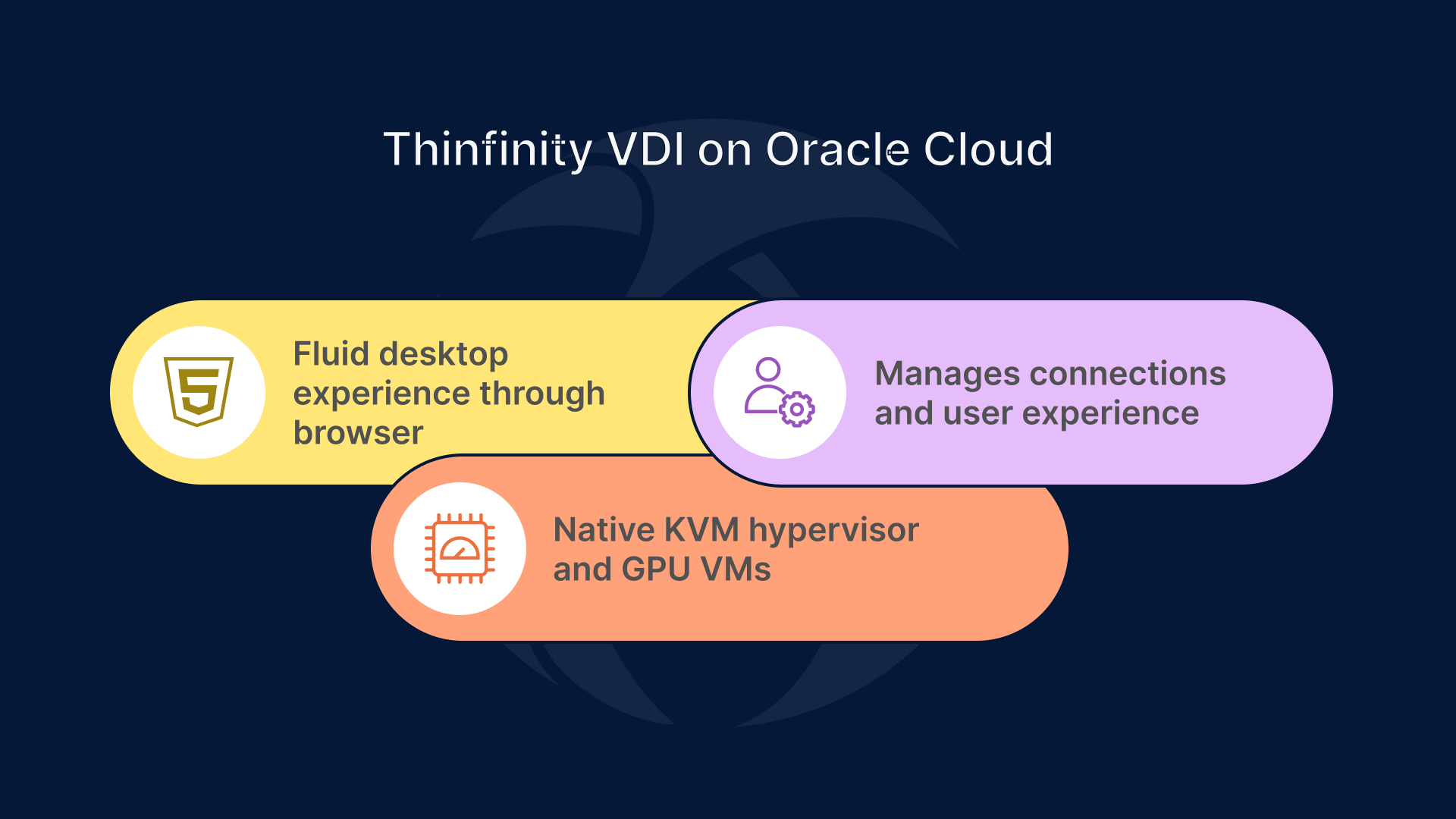


Remote work isn’t just about email and spreadsheets anymore. Engineers, designers, and media professionals now need to manipulate 3D models, high-resolution video, and simulation data from wherever they are. Delivering that kind of workload over a WAN used to be impossible without lag or expensive hardware. Thinfinity VDI on Oracle Cloud (OCI) changes that reality. By running on OCI’s native KVM hypervisor and leveraging GPU-enabled virtual machines, Thinfinity delivers a fluid, desktop-grade experience through compressed WebSockets and adaptive H.264 streaming, all securely contained within your browser.
Why GPU VDI on OCI is the next frontier of remote work
Enterprises are shifting heavy graphics workloads to the cloud for one simple reason: performance scalability. OCI’s KVM-based GPU virtual machines—such as the VM.GPU.A10 and VM.GPU.A100 shapes—offer predictable compute power with enterprise-class latency and bandwidth. Because they’re native VMs, not nested hypervisors, they integrate seamlessly with Oracle’s block and object storage, identity services, and networking stack.
These GPU-accelerated VMs provide the horsepower; Thinfinity provides the human experience layer. The platform sits atop OCI’s virtualization stack, managing connections, authentication, and visualization so end users don’t feel like they’re working on a remote server. Instead, every cursor move and pixel refresh feels instantaneous, even across continents.
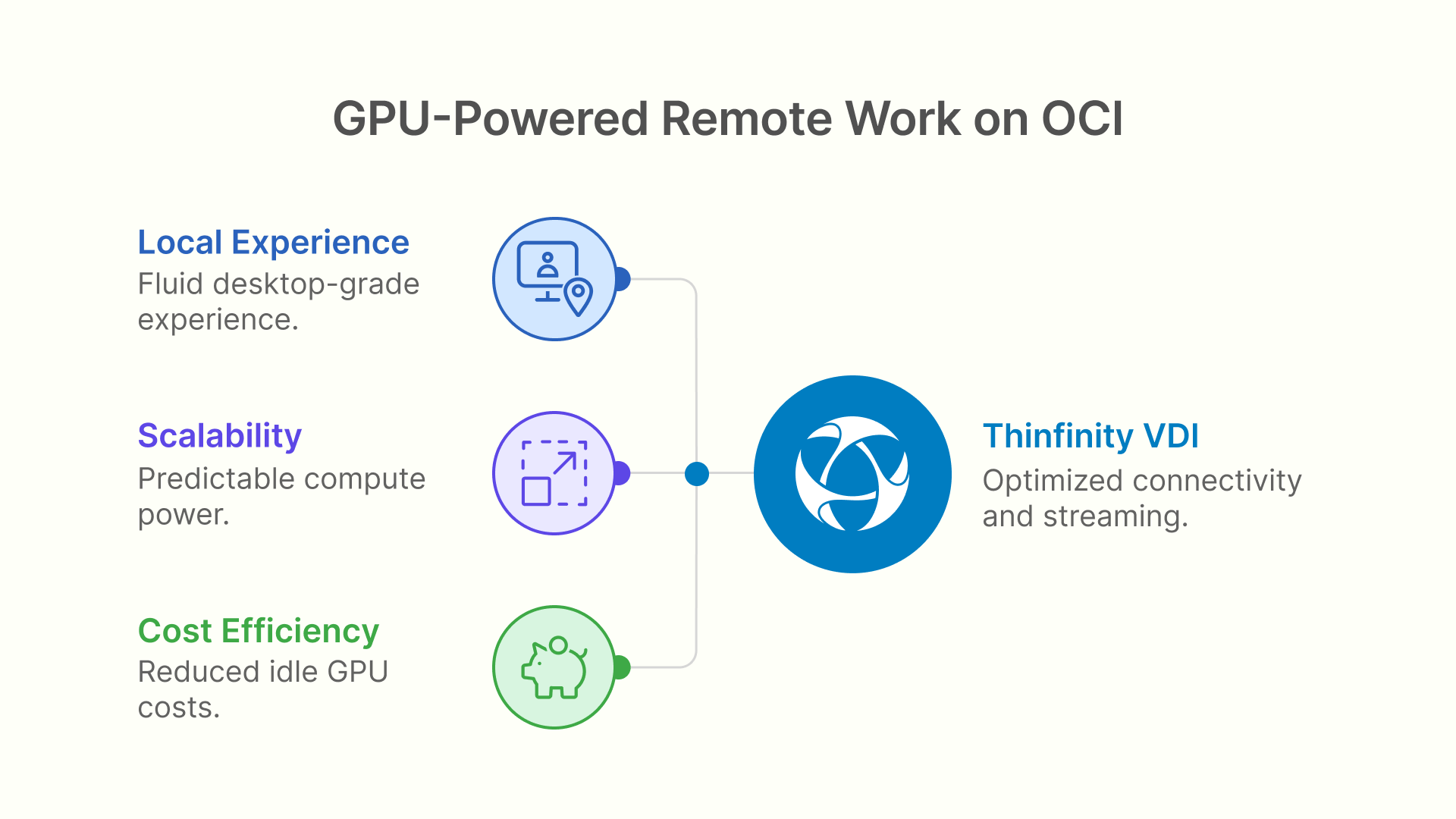
The secret sauce: Thinfinity’s optimized connectivity and streaming engine
What makes Thinfinity unique is its transport protocol—a custom implementation of compressed WebSockets combined with adaptive H.264 video streaming.
When a user launches a Thinfinity desktop or application session, the system doesn’t send entire frames; it compresses visual data in real time, encodes it via H.264, and transmits only the pixel changes. These packets travel through secure, persistent WebSocket tunnels that dynamically adjust compression ratios based on available bandwidth and latency.
- Adaptive compression: Thinfinity monitors network jitter and throughput, automatically lowering frame rate or resolution before any perceptible lag occurs.
- Smart frame skipping: Rather than streaming redundant frames, it prioritizes active regions of the screen, keeping CPU and network use efficient.
- Client decoding: The receiving browser or Thinfinity client uses hardware-accelerated H.264 decoding, leveraging the local GPU for smooth playback.
- Lossless text rendering: For documents and development work, the protocol switches to a lossless channel ensuring crisp fonts and vector graphics.
Together, these optimizations allow Thinfinity to reproduce a “local desktop” feel—fluid mouse control, instant screen redraws, and full video playback—even on moderate connections.
How Thinfinity and OCI KVM work together
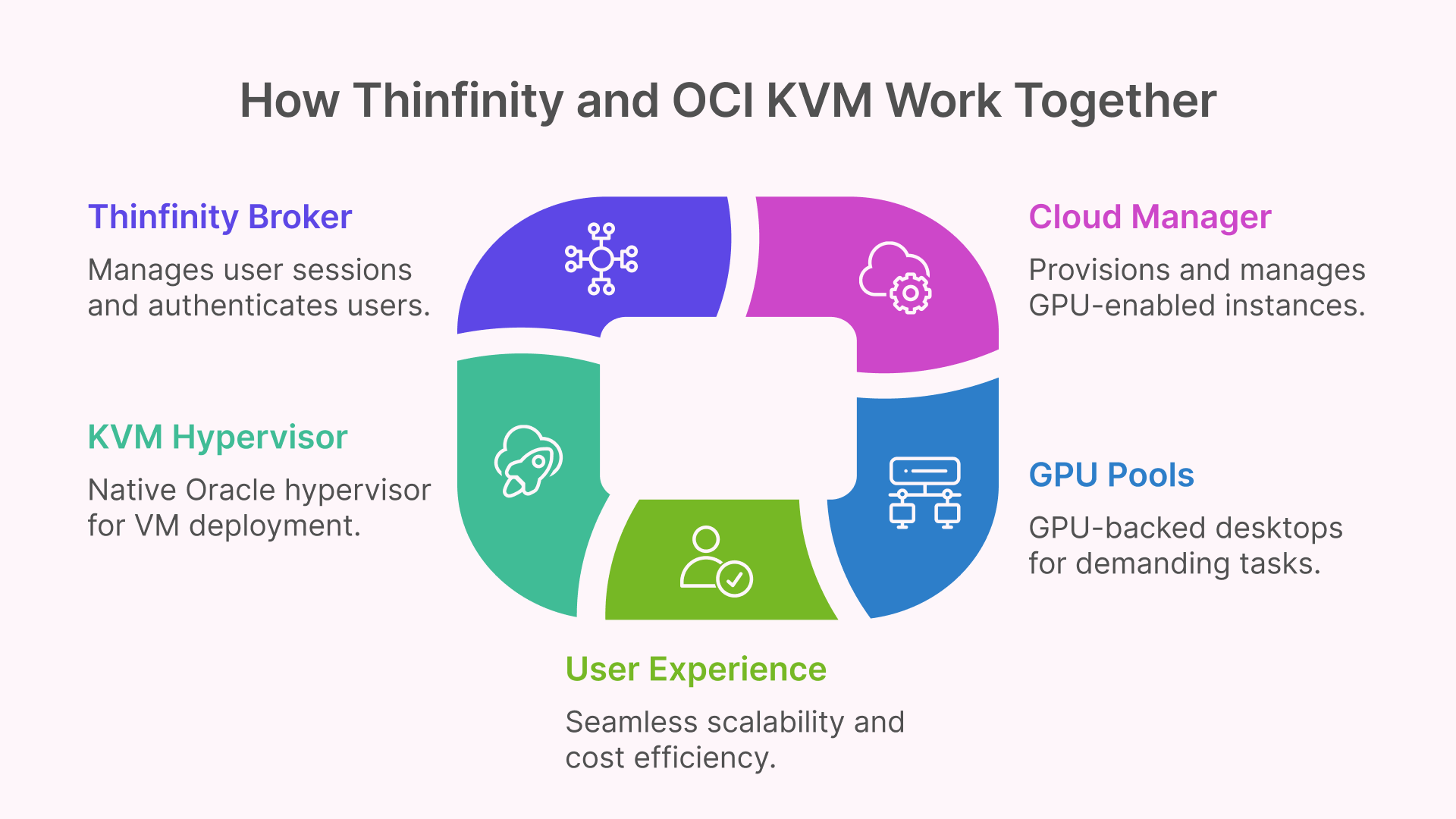
On OCI, Thinfinity is deployed as a set of lightweight Linux or Windows virtual machines running on top of Oracle’s native KVM hypervisor. Each VM hosts either a GPU-backed desktop pool or an application container. Thinfinity’s Broker orchestrates user sessions, authenticates through enterprise IdPs (Azure AD, Okta, Oracle Identity), and routes traffic to the correct backend host, ensuring a secure and seamless connection across environments.
At the infrastructure level, Thinfinity Cloud Manager plays a key role by provisioning and administering these GPU-enabled instances on demand. It allows IT teams to start, stop, and scale GPU VMs dynamically, ensuring that resources are consumed only when users actually need them. This elastic provisioning model reduces idle GPU costs—one of the biggest pain points in virtualized graphics deployments—while maintaining instant availability for new sessions.
Because the hypervisor layer is KVM, organizations gain consistent performance isolation without bare-metal complexity. You can define GPU-backed pools for demanding CAD or rendering tasks and standard CPU-only pools for office applications, all within a single management console. Thinfinity automatically detects the hardware profile of each VM—GPU or non-GPU—and applies the appropriate streaming codec settings. The result: seamless scalability, optimal cost efficiency, and a fluid user experience from entry-level employees to power designers within the same OCI tenancy.
Use cases that thrive with Thinfinity GPU sessions
Design and Engineering
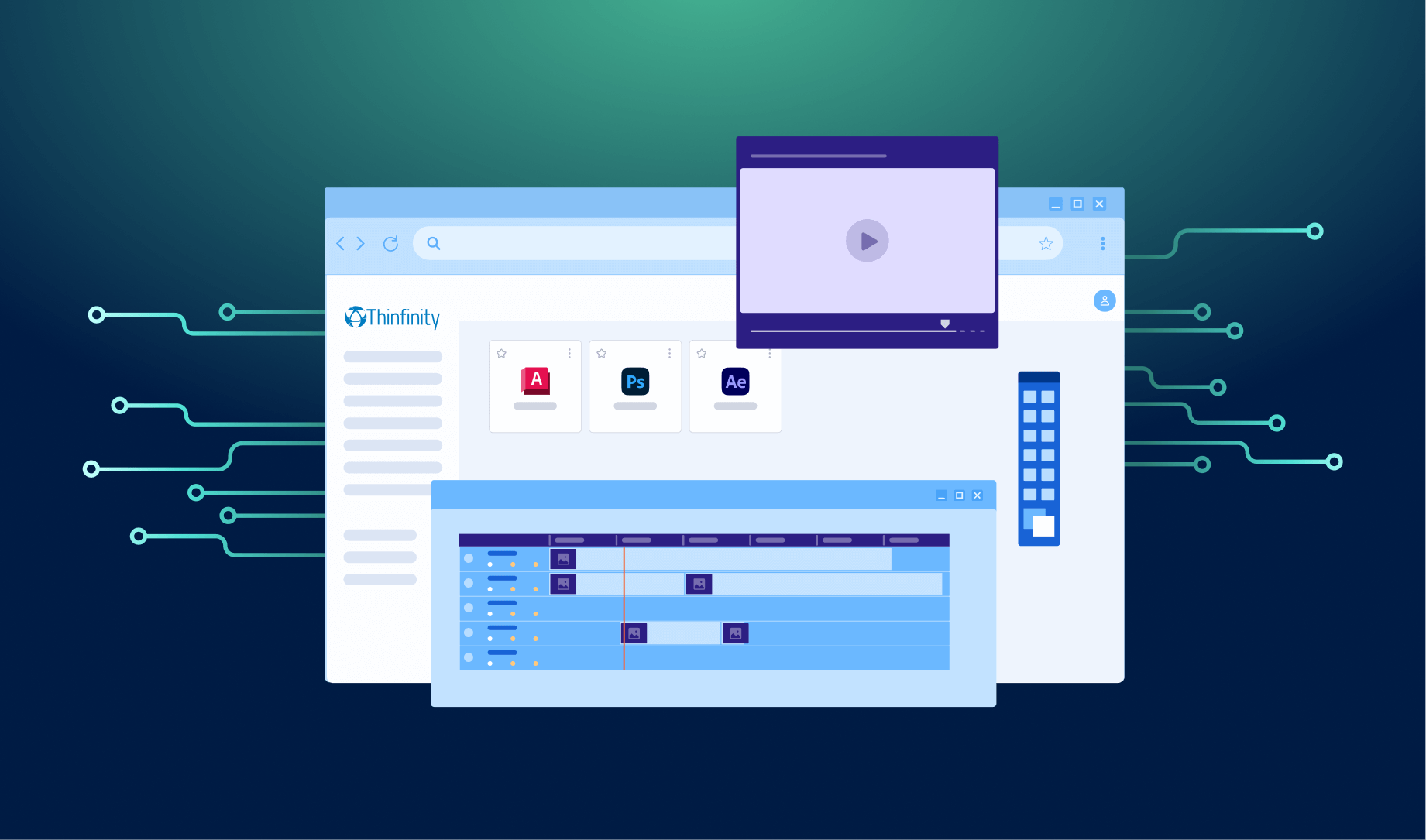
Run AutoCAD, Revit, or SolidWorks inside OCI VMs with A10 GPUs, stream the interface to a browser via Thinfinity’s H.264 pipeline, and maintain true workstation performance even over 30–50 ms latency links.
Media Production and Visualization
Editors and colorists can manipulate high-bitrate footage directly in OCI storage without copying files locally. Thinfinity’s WebSocket compression ensures consistent playback and scrub response.
Simulation, AI, and Data Science
GPU-backed KVM VMs on OCI support parallel workloads while Thinfinity streams visualization dashboards to users without exposing raw datasets beyond the cloud boundary.
Optimizing your deployment for performance and cost
Start by benchmarking user profiles: how many hours per day they render, their average bandwidth, and required display resolution. Use OCI’s GPU VM shapes to right-size pools—A10 for general graphics, A100 for visualization and compute-heavy tasks.
Enable Thinfinity’s adaptive streaming features by default. The platform automatically scales down bitrate on congested links and scales up when conditions improve. Over a stable 25 Mbps connection, a full-HD GPU session typically feels indistinguishable from a local workstation, consuming only about one-third of the bandwidth traditional RDP or PCoIP would need.
Finally, pair your deployment with OCI’s flexible networking options: assign private subnets for internal users, and use Thinfinity’s reverse proxy gateway for secure external access—all under a Zero Trust framework.
Security and user experience go hand in hand
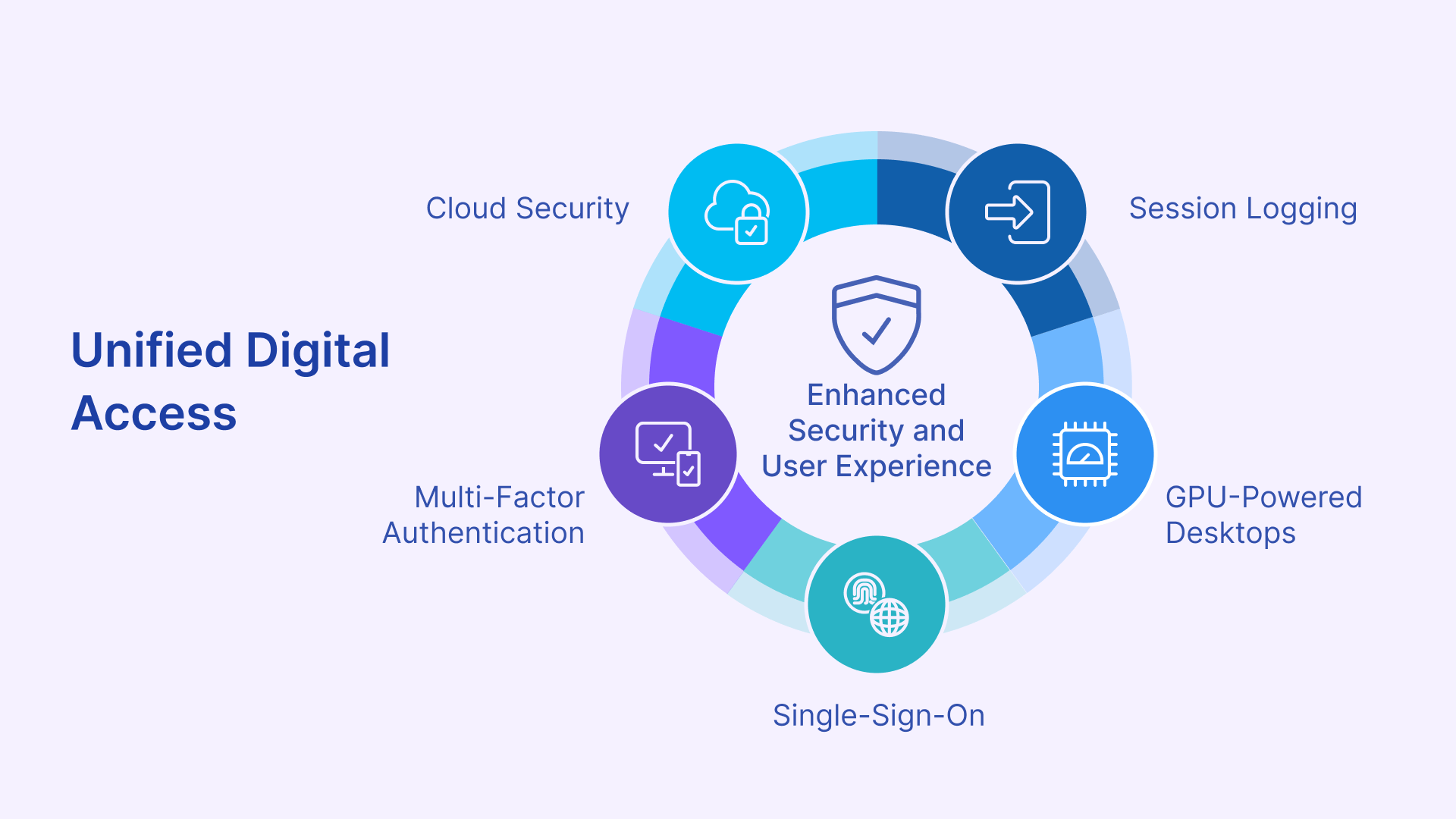
Because all rendering happens within the OCI KVM VM, no sensitive assets ever leave the cloud. The browser or client receives only encoded visual streams. Thinfinity integrates multi-factor authentication, SSO, and session logging, allowing compliance with frameworks like HIPAA, SOC 2, and ISO 27001.
Users gain frictionless access: a single URL, a login prompt tied to corporate identity, and within seconds they’re in a GPU-powered desktop running securely inside Oracle’s infrastructure. IT gains full control while users simply see speed.
The bigger picture: cloud-native graphics for the hybrid enterprise
Cloud VDI isn’t just about centralization—it’s about experience parity. With Thinfinity’s optimized connectivity engine on OCI’s high-performance KVM hypervisor, enterprises can finally virtualize GPU workloads without compromising responsiveness or security.
As Oracle continues expanding its GPU lineup and network interconnects, organizations adopting Thinfinity VDI today position themselves for a future where every workload—from 2D drafting to 4K editing—can be delivered through the browser with the fluidity of local hardware.
Conclusion: The Future of Remote Graphics is Cloud-Native and User-Centric
The new era of remote work demands more than simple screen sharing — it demands true performance parity between local and cloud desktops. With Thinfinity VDI on Oracle Cloud, organizations can now deliver GPU-accelerated applications through the browser with near-zero latency and uncompromising security. Running on OCI’s native KVM hypervisor, Thinfinity leverages compressed WebSockets, adaptive H.264 streaming, and Thinfinity Cloud Manager to intelligently provision GPU instances only when needed.
This combination doesn’t just make high-performance remote work possible — it makes it practical and cost-effective. Designers, engineers, and content creators can collaborate globally without shipping workstations, transferring massive files, or maintaining expensive idle GPUs. Administrators gain centralized control, dynamic resource allocation, and deep visibility, all from a single console.
As organizations modernize their digital workplaces, Thinfinity VDI on OCI stands out as the bridge between raw GPU power and seamless user experience — a truly cloud-native solution built for the hybrid enterprise. The result is simple: local-like performance, global reach, and optimized costs.