

Introduction: Why Faculty and Staff Have Different VDI Requirements
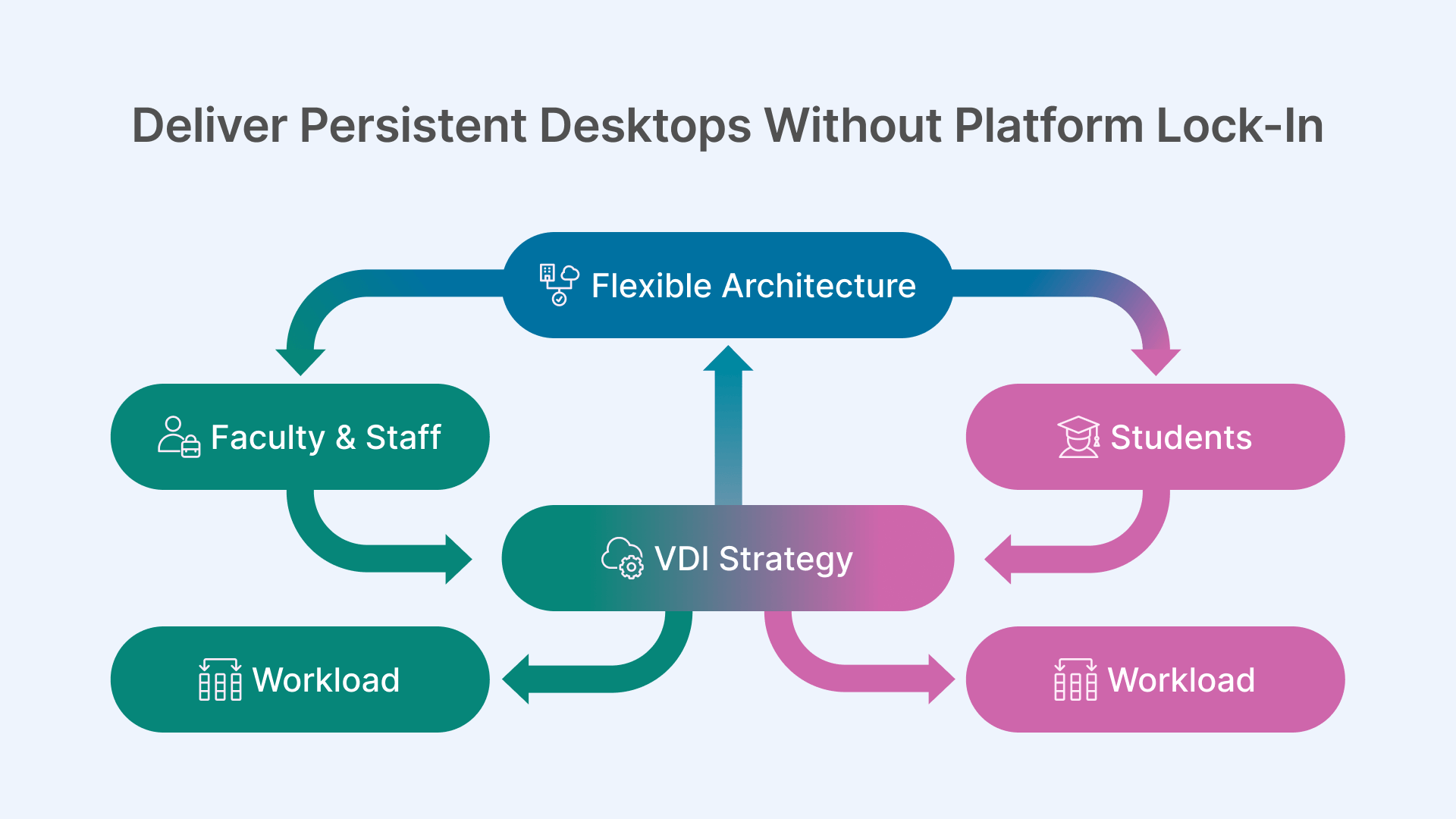
In higher education, faculty members and administrative staff represent a fundamentally different VDI use case than students. While students typically access short-lived, task-oriented environments, faculty and staff rely on computing environments that persist over time, evolve with their work, and integrate deeply with institutional systems.
Treating these users as interchangeable with classroom workloads often leads to dissatisfaction, security gaps, and unnecessary cost. A sustainable VDI strategy must recognize that faculty and staff productivity depends on continuity, autonomy, and secure access—without architectural rigidity.
This article examines how universities can design faculty and staff VDI environments that deliver persistent desktops while avoiding long-term platform lock-in.
Persistent Desktops as a Faculty Enablement Tool
Why Persistence Matters in Academic Workflows
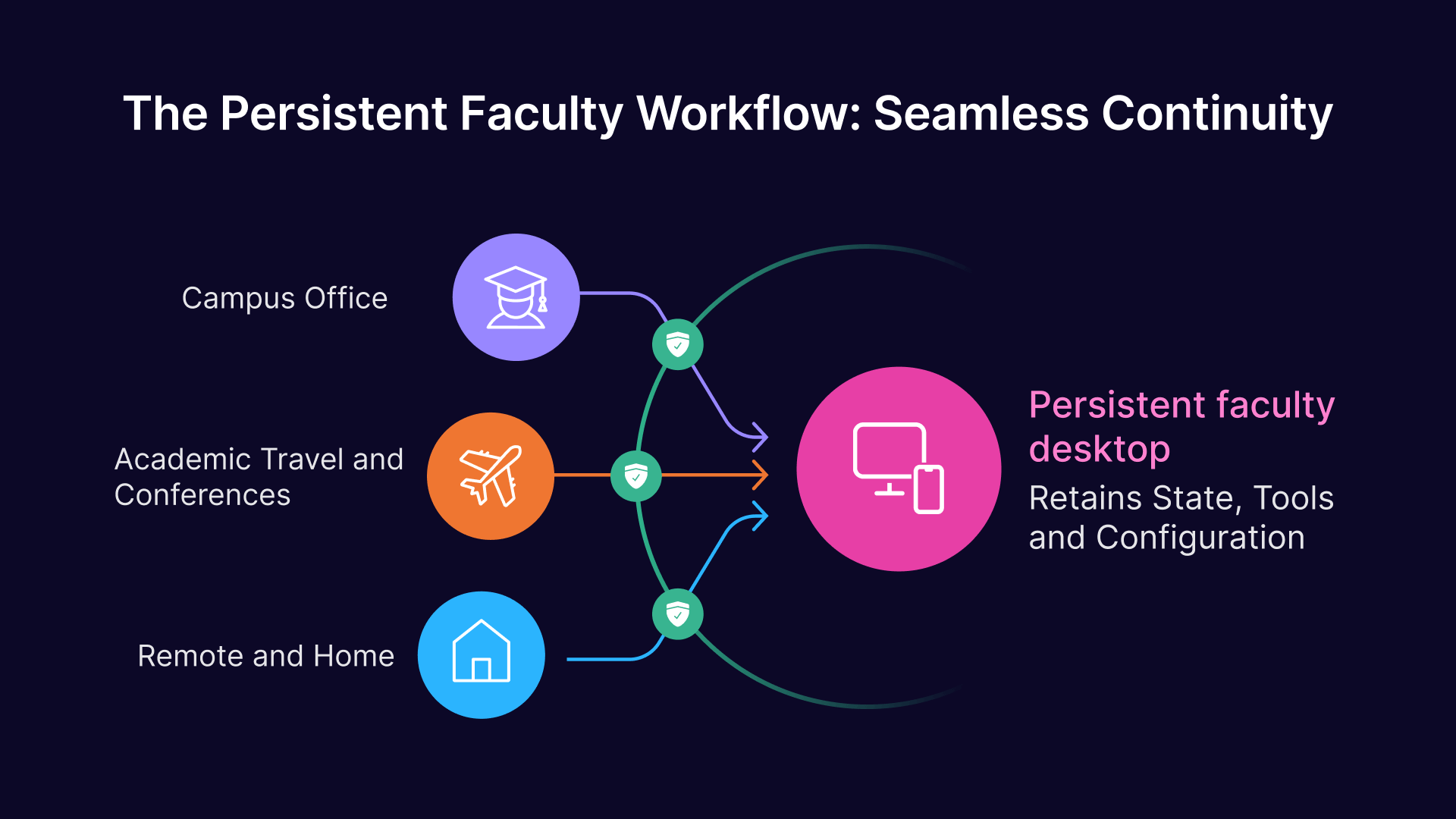
Faculty members often maintain complex working environments. Research tools, teaching materials, datasets, administrative systems, and collaboration platforms are intertwined across semesters and academic years.
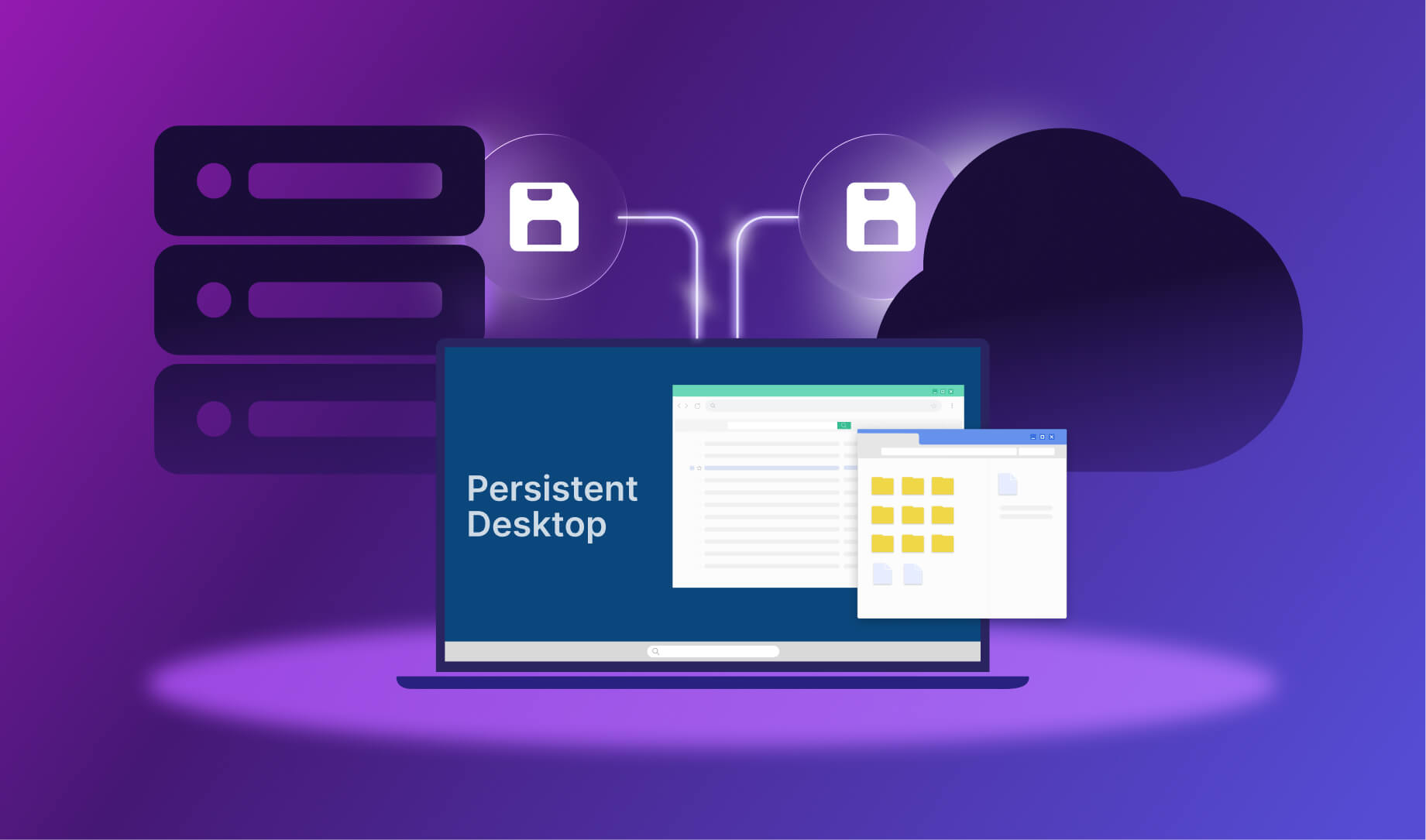
Persistent virtual desktops allow faculty to:
- Retain state across sessions
- Maintain customized configurations
- Resume work without reconfiguration
- Separate professional environments from personal devices
For administrative staff, persistence is equally critical. Finance, student records, HR, and compliance workflows depend on stable, predictable computing environments.
The Risks of Over-Centralizing Faculty VDI
When Persistence Becomes Rigidity
While persistent desktops improve continuity, they also introduce risk when tightly coupled to a specific platform or infrastructure. Universities that centralize faculty VDI too aggressively often encounter:
- Slow response to changing software needs
- Difficulty migrating between infrastructure platforms
- High operational overhead for maintenance and upgrades
- Resistance from faculty seeking flexibility
These risks are not inherent to VDI itself, but to architectures that conflate persistence with rigidity.
Designing Faculty VDI for Long-Term Flexibility
Separating Identity, Access, and Infrastructure
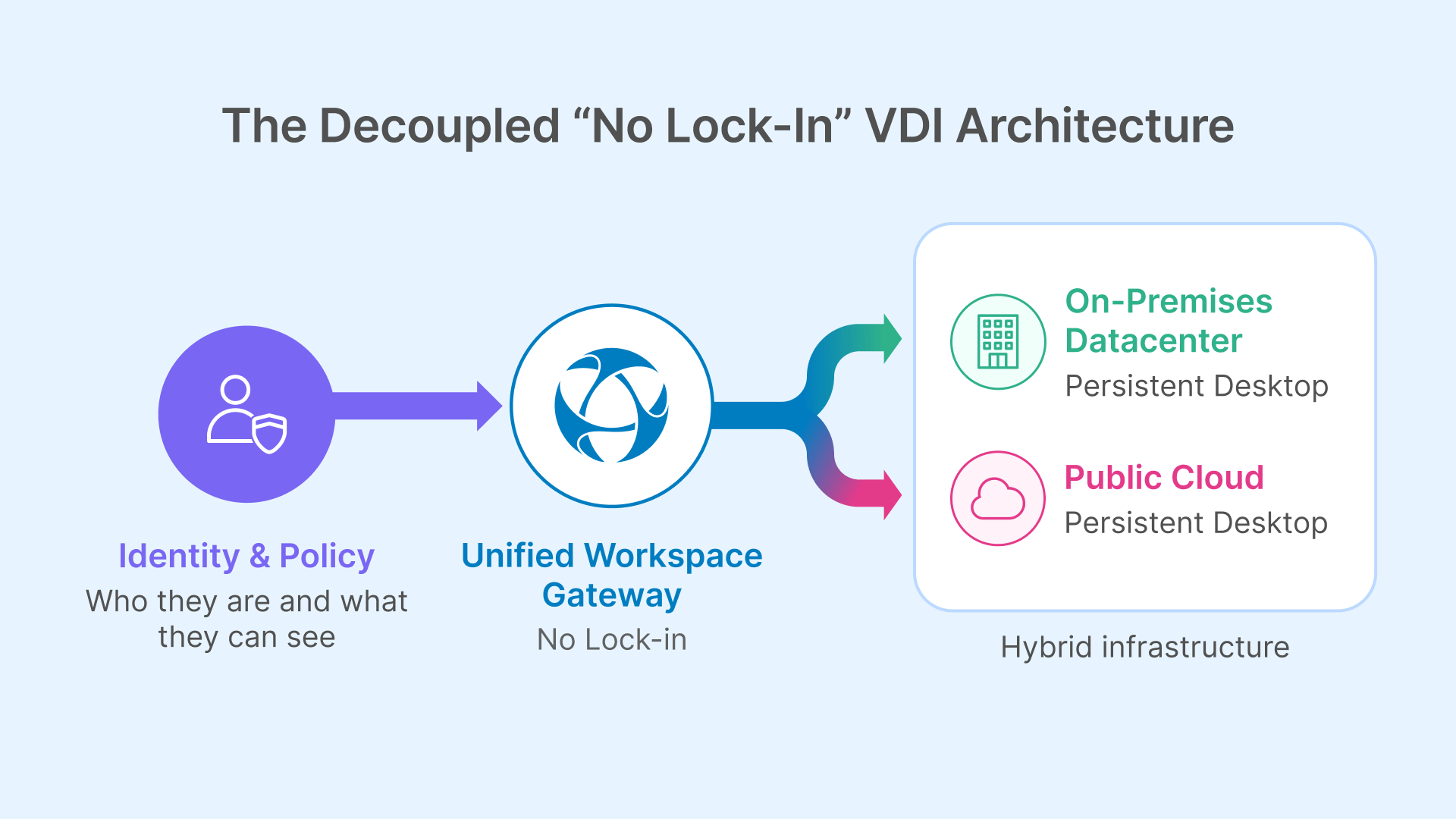
A resilient faculty VDI architecture separates:
- Identity (who the user is)
- Access control (what they can reach)
- Infrastructure (where desktops run)
This separation allows institutions to evolve infrastructure without disrupting faculty workflows. Persistent desktops remain available, but their underlying location and hosting model can change over time.
Go to documentation →
Avoiding Platform Lock-In
Vendor lock-in is not just a commercial concern—it is an operational one. When faculty desktops are tightly bound to a single control plane or cloud service, migration becomes disruptive and costly.
Architectures that decouple access from infrastructure preserve institutional leverage and reduce long-term risk.
Security and Governance for Faculty and Staff
Strong Security Without Intrusion
Faculty and staff often access sensitive systems, including student data, financial records, and research information. Security controls must be robust, but they must not interfere with daily work.
Identity-first VDI architectures support:
- Role-based access enforcement
- Session isolation
- Centralized auditing
- Reduced reliance on VPNs
Security becomes part of the access fabric rather than an added obstacle.
Compliance and Accountability
Persistent desktops provide a clear audit trail for institutional systems. When access is centrally orchestrated, universities gain visibility into:
- Resource usage
- Access patterns
- Session history
This visibility supports internal governance and external compliance requirements without increasing administrative burden.
Hybrid and Remote Access for Academic Staff
Supporting Modern Work Patterns
Faculty and staff increasingly work across locations. Office, home, campus, and travel are all part of the academic work model.
VDI architectures that rely on network trust or fixed locations struggle to support this reality. Access-centric designs allow faculty to connect securely from anywhere, using managed or unmanaged devices, without exposing internal networks.
Hybrid Environments as the Norm
Most universities operate hybrid infrastructures. Some systems remain on-premises, others move to the cloud, and many coexist for years.
Faculty VDI architectures must reflect this hybrid reality, enabling seamless access regardless of where resources reside.
Thinfinity’s Role in Faculty and Staff VDI Architectures
Access Abstraction as a Design Principle
In hybrid academic environments, architectures such as Thinfinity Workspace Architecture are often used to abstract access while preserving desktop persistence.
This allows:
- Persistent desktops to run on-premises or in the cloud
- Identity-based access policies to remain consistent
- Infrastructure changes without user disruption
- Unified access to desktops, applications, and internal systems
For faculty and staff, this abstraction preserves continuity while giving IT teams flexibility.
Operational Sustainability for University IT Teams
Reducing Day-to-Day Overhead
Faculty VDI environments that are overly complex increase operational load. Simple, well-orchestrated architectures reduce:
- Manual intervention
- Incident frequency
- Change management friction
This is particularly important in higher education, where IT teams must balance innovation with limited resources.
Conclusion: Persistence Without Permanence
Faculty and staff VDI environments must persist—but they should not be permanent in architectural terms.
The most successful universities design faculty desktops that provide continuity and personalization while remaining flexible enough to evolve. By separating access, identity, and infrastructure, institutions can deliver reliable, secure, and adaptable computing environments.
As emphasized in “Traditional VDI vs Cloud VDI for Education: Where Each Model Actually Works”, sustainable VDI strategies are built on architectural intent, not on locking users into a single platform.