

Executive Summary: The Virtualization Paradigm Shift
The enterprise virtualization world is in transition. For decades, Citrix Virtual Apps and Desktops was the gold standard for Windows remote access. But in 2024 and beyond, IT teams are grappling with increased renewal costs, operational overhead, and architectural complexity tied to legacy VDI stacks.
Enterprises now seek cloud-native alternatives that align with Zero Trust principles, integrate seamlessly with hybrid environments, and can be managed with the same agility as modern DevOps pipelines.
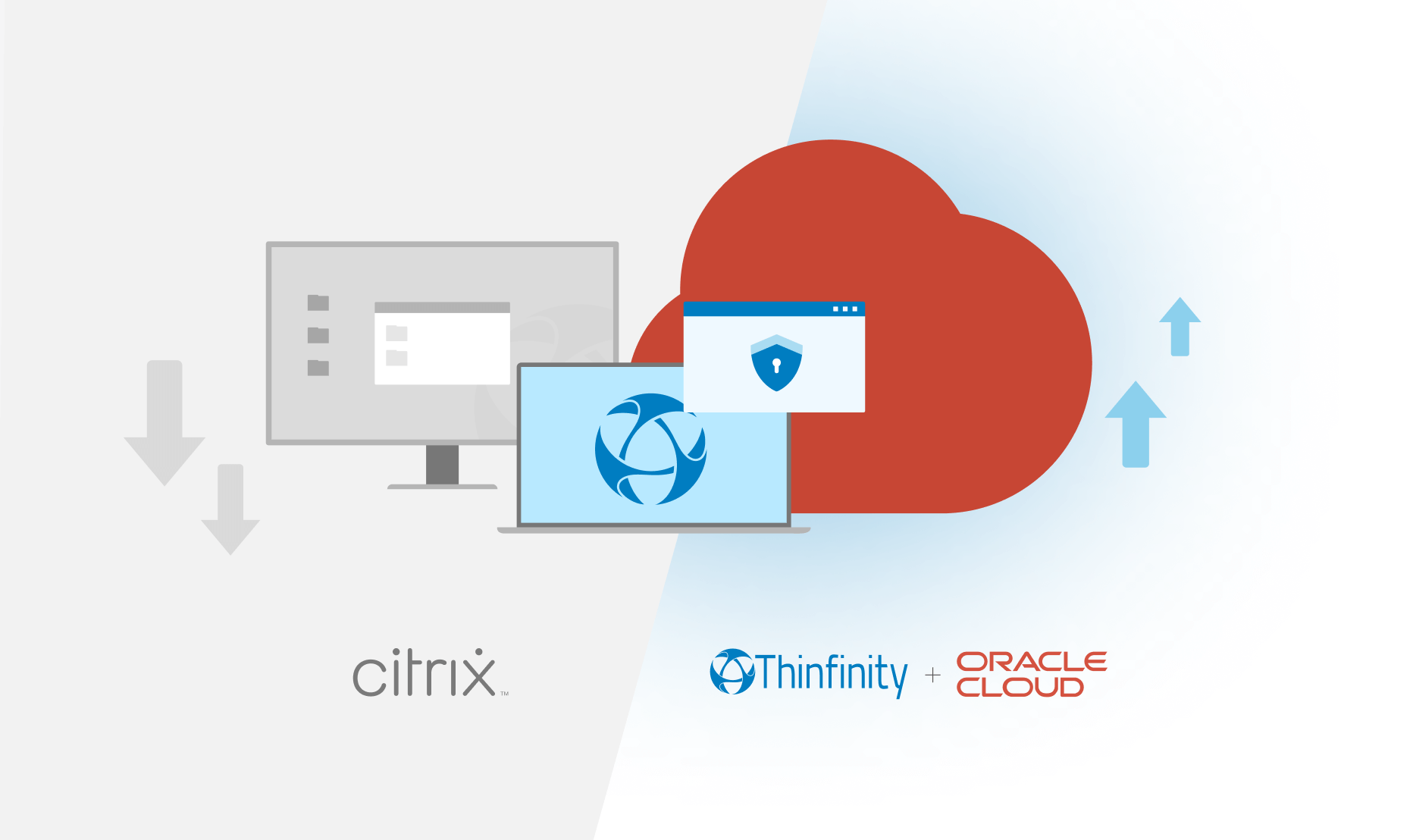
This guide explores why traditional VDI models are faltering, and how Thinfinity Workspace with Cloud Manager on Oracle Cloud Infrastructure (OCI) delivers a Windows VDI solution architected for performance, automation, and scalability—without the legacy baggage.
The Technical Reality: Why Traditional VDI is Failing Sysadmins
1. Architecture Debt
Citrix and VMware Horizon both carry architecture debt: layers of brokers, StoreFronts, ADCs, hypervisors, and licensing servers stitched together over decades. These layers increase:
- Operational Complexity – Multiple moving parts to patch, monitor, and support.
- Scaling Limitations – Over-provisioning is required to handle peak workloads.
- Client Dependency – End-users must install dedicated clients; troubleshooting consumes admin cycles.
- Security Gaps – Traditional perimeter-based access models don’t align with Zero Trust.
2. Operational Overhead
Beyond licenses, sysadmins face:
- Specialized Expertise Requirements – Citrix admins and certifications remain niche and expensive.
- Slow Change Cycles – Deploying updates or golden image refreshes can take weeks.
- Complex DR/BCP – Backup and failover processes are multi-layered and fragile.
For solution engineers and sysadmins, these constraints make legacy VDI less a productivity enabler, more a complexity anchor.
Thinfinity Workspace on OCI: A Modern Windows VDI Alternative
Thinfinity Workspace rethinks VDI by building on Oracle Cloud’s KVM-based virtualization and combining it with the Thinfinity Cloud Manager orchestration layer. This design eliminates unnecessary intermediaries, delivering simplified management, autoscaling, and a browser-based user experience.
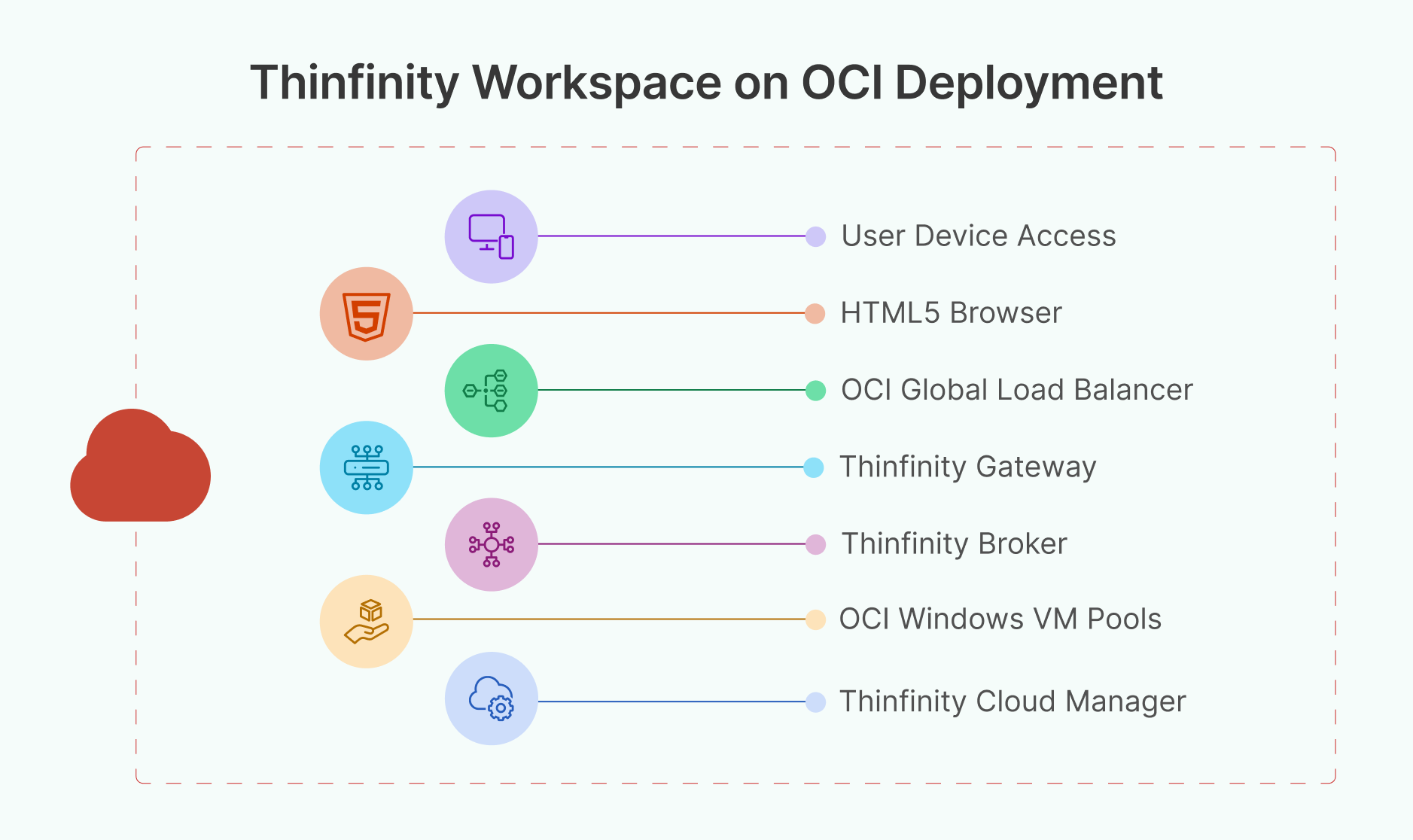
Architecture Overview
User Device → HTML5 Browser → OCI Global Load Balancer → Thinfinity Gateway → Thinfinity Broker → OCI Windows VM Pools (KVM) → Thinfinity Cloud Manager (IaC Orchestration, Autoscaling, Golden Images)
Key Differentiators for Sysadmins:
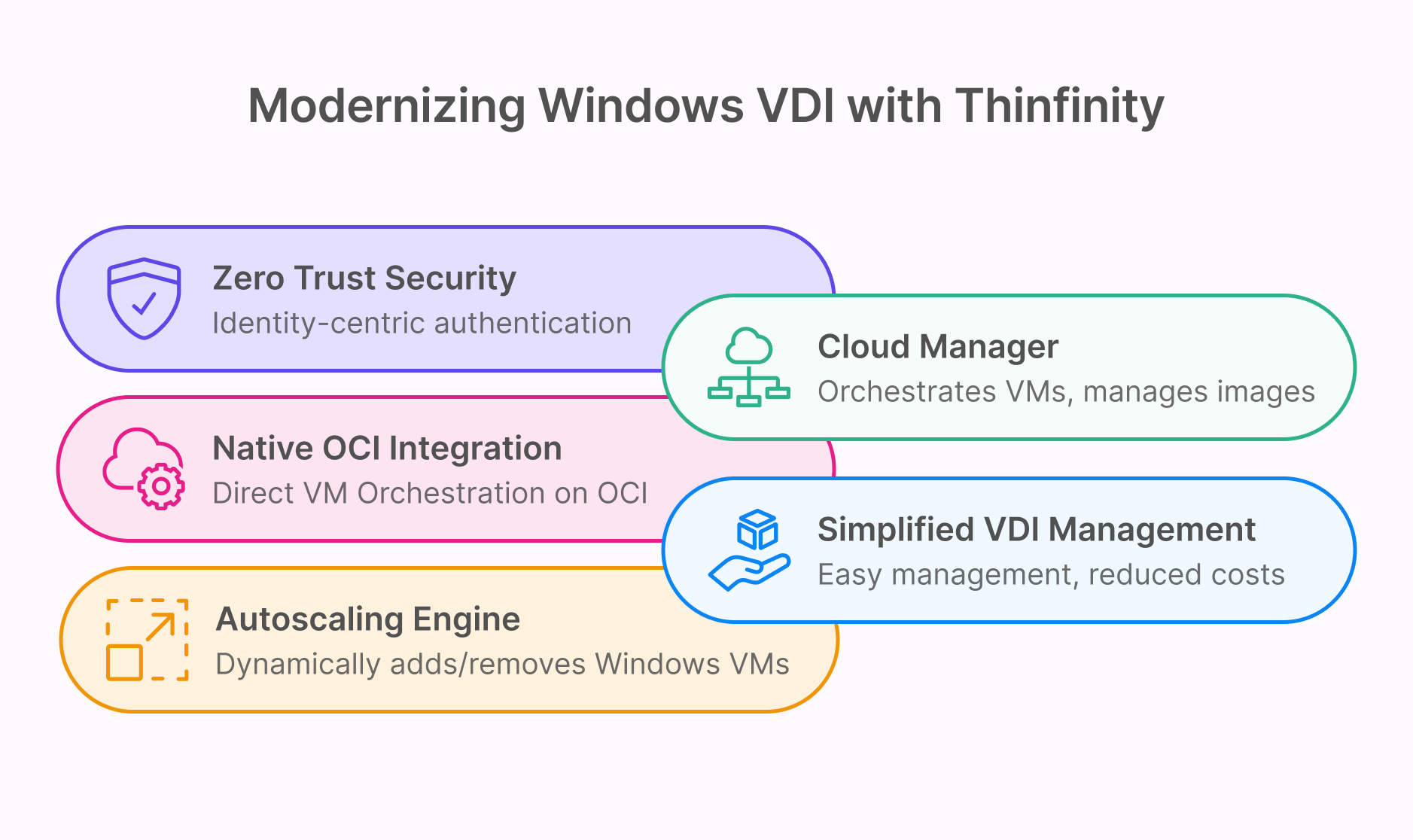
- True Clientless Access – Desktops and apps launch securely in any modern browser (HTML5).
- Native OCI VM Integration – Thinfinity Cloud Manager orchestrates Windows VMs directly on OCI KVM instances.
- IaC-Driven Orchestration – Infrastructure as Code (Terraform) ensures repeatability and version control.
- Golden Image Administration – Simplifies patching and updates by maintaining consistent master templates.
- Elastic Autoscaling – Desktop pools expand and contract automatically based on concurrent demand.
Cloud-Native Delivery of Windows Desktops
Thinfinity Cloud Manager: The Orchestration Layer
At the heart of Thinfinity Workspace’s OCI deployment is Cloud Manager, which acts as the intelligence layer for VDI operations:
Thinfinity Cloud Manager
├── Golden Image Repository (Windows Master Templates)
├── Autoscaling Engine (OCI Compute APIs)
├── Identity & SSO Integrations (SAML, OAuth, OpenID)
├── Policy-Based Orchestration (IaC templates)
└── Monitoring & Audit Layer
Technical Benefits:
- Golden Image Lifecycle Management – Centralized patching and image updates, reducing drift across desktop pools.
- Autoscaling Engine – Uses OCI APIs to add/remove Windows VMs dynamically, minimizing idle resource consumption.
- Infrastructure as Code – Declarative templates for building environments from scratch, ensuring consistency across dev, test, and production.
- Hybrid Extensibility – Unified management console that can also orchestrate on-prem VMware or Hyper-V alongside OCI workloads.
Network and Security Architecture
Network Requirements for Optimal VDI
- Bandwidth: 2~10 Mbps per concurrent session for responsive desktops and graphic intensive applications
- Latency: <100 ms RTT ensures fluid end-user experience.
- QoS: Traffic prioritization for real-time applications (voice/video).
- Edge Acceleration: OCI’s global regions bring desktops closer to distributed users.
Security Architecture
Thinfinity integrates Zero Trust Network Access (ZTNA) natively:
- Identity-Centric Authentication – SAML/OAuth integration with IdPs like Azure Entra ID, Okta and others
- Conditional Access Policies – Device posture, geolocation, and risk scoring drive session approvals.
- End-to-End Encryption – TLS 1.3 with forward secrecy for all traffic.
- Session Recording & Auditing – Compliance-friendly tracking of user activity.
- Microsegmentation – Per-app and per-user network isolation prevents lateral movement.
This approach embeds security at the architecture level, not as an afterthought.
Migration Blueprint: From Citrix to Thinfinity on OCI
For sysadmins planning a cutover, a parallel deployment strategy is recommended.
Phase 1: Pilot (Weeks 1–4)
- Deploy Thinfinity Workspace broker and Cloud Manager in OCI.
- Test with a subset of non-critical Windows apps.
- Validate performance, SSO, and browser-based access.
Phase 2: Parallel Operations (Weeks 5–12)
- Run Citrix for production while onboarding 20–30% of users in Thinfinity.
- Establish baselines for latency, VM autoscaling, and session logging.
- Begin application migration testing.
Phase 3: Production Cutover (Weeks 13–16)
- Redirect DNS and load balancing to Thinfinity.
- Phase out Citrix clients and backend infrastructure.
- Decommission StoreFront, ADCs, and legacy brokers.
Performance Optimization Strategies
Client-Side
- Use hardware-accelerated browsers for rendering.
- Alternative use Thinfinity Native Windows, Linux, Android or Ios Clients
Server-Side (OCI)
- VM Shapes: Select OCI flexible VM shapes based on user profiles (task workers vs. power users).
- Block Storage: Deploy NVMe-backed volumes for high IOPS workloads.
- Autoscaling: Configure policies to pre-warm desktops during expected login spikes.
- Load Balancing: Distribute sessions globally using OCI Load Balancer.
Zero Trust in Practice
Thinfinity integrates with enterprise IAM systems for continuous verification.
IAM Workflow Example:
User Login → SAML/OAuth Authentication → Device Posture Check → Conditional Access Policy → Thinfinity Session Provisioned → Session Monitoring + Audit Logs
Advanced Security Features:
- DLP: Policy-driven data loss prevention during VDI sessions.
- Audit Logs: Exportable to SIEM platforms (Splunk, QRadar, OCI Logging).
Future-Proofing Windows VDI
Thinfinity on OCI isn’t just a Citrix alternative—it’s a foundation for modern, API-driven remote access.
Emerging Capabilities
- Advance Autoscaling – Predictive capacity planning with intuitive admin portal. (no powershells or 3rd party tools needed)
- Infrastructure as Code – Native Terraform support for environment lifecycle management.
- Edge + 5G – Deploy desktops closer to users via OCI regional edge nodes.
- DevOps Integration – REST APIs and webhook support for CI/CD workflows.
Conclusion: Why Sysadmins Should Care
For system administrators and solution engineers, Thinfinity Workspace with Cloud Manager on OCI provides:
- Simplified VDI Operations – No legacy brokers, ADCs, or thick clients.
- Native Cloud Orchestration – Direct use of OCI KVM instances for Windows VMs.
- Golden Image Consistency – Centralized patching and refresh across all desktops.
- Elastic Autoscaling – Automatically adjusts to demand peaks without manual intervention.
- Zero Trust by Design – Built-in security aligned with modern enterprise standards.
In short: Thinfinity Workspace on Oracle Cloud transforms Windows VDI from a complex, brittle legacy stack into a streamlined, cloud-native service.
For sysadmins tired of Citrix complexity, this is not just a replacement—it’s the next generation of enterprise virtualization.