

Introduction: Not Every Academic Workload Needs a Full Desktop
As universities modernize their computing environments, Virtual Desktop Infrastructure (VDI) is often treated as a universal solution. In practice, this assumption creates unnecessary complexity and cost. Many academic workloads do not require a full virtual desktop and are better served through application-level delivery.
The most reliable and sustainable academic environments are not those that standardize on a single delivery model, but those that intentionally mix VDI and Virtual Applications based on pedagogical and operational needs.
This article examines when universities should use full virtual desktops, when Virtual Applications are the better choice, and how combining both models improves reliability, cost control, and user experience.
Understanding Academic Workload Patterns
Teaching Environments Are Time-Bound by Design
Most teaching activities follow fixed schedules. Classes start and end at predictable times, and lab usage is typically limited to defined sessions. In these scenarios, computing environments are needed intensively for short periods and then not at all.
As discussed in The True Cost of VDI in Education, always-on desktops significantly increase infrastructure costs in academic environments.
Research and Faculty Workloads Behave Differently
Faculty members and researchers often require:
- Persistent environments
- Long-running sessions
- Customized configurations
- Secure access to internal systems
These users benefit from dedicated virtual desktops that retain state and performance characteristics across sessions.
The key architectural challenge is supporting both patterns without forcing compromise.
Virtual Desktops in Academic Environments
Where VDI Makes Sense
Full virtual desktops are well suited for:
- Faculty and administrative staff
- Research environments with complex dependencies
- Courses requiring full OS-level customization
- Long-running or stateful workloads
In these cases, VDI provides consistency, control, and isolation that application-level delivery cannot match.
The Cost of Overusing VDI
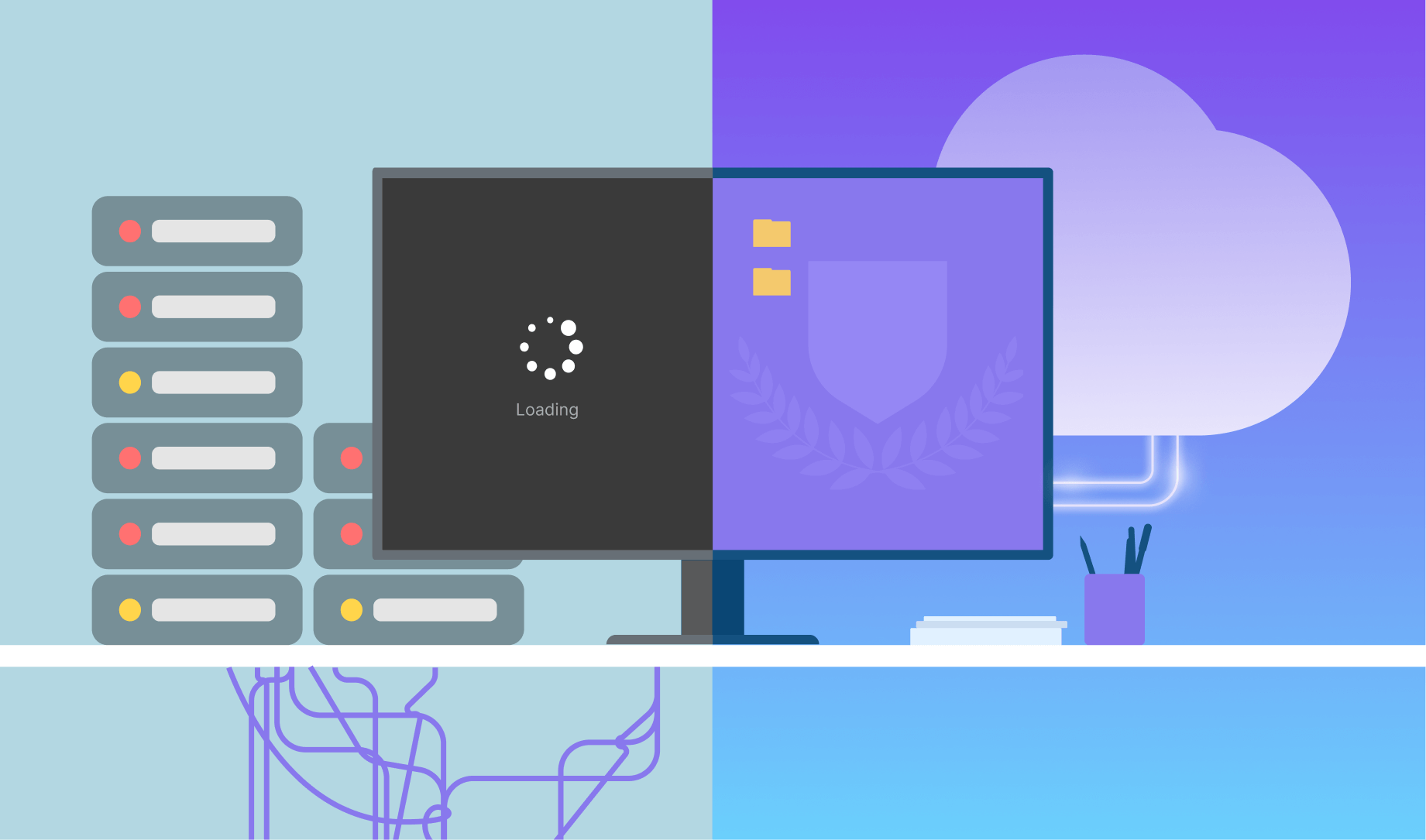
When VDI is applied indiscriminately, several issues emerge:
| Scenario | Outcome |
|---|---|
| Always-on desktops for classes | High idle cost |
| Persistent labs for short courses | Slow provisioning |
| One-size-fits-all VDI | Low flexibility |
These issues are not failures of VDI itself, but of misaligned delivery choices.
Virtual Applications as a First-Class Academic Delivery Model
What Virtual Applications Do Well
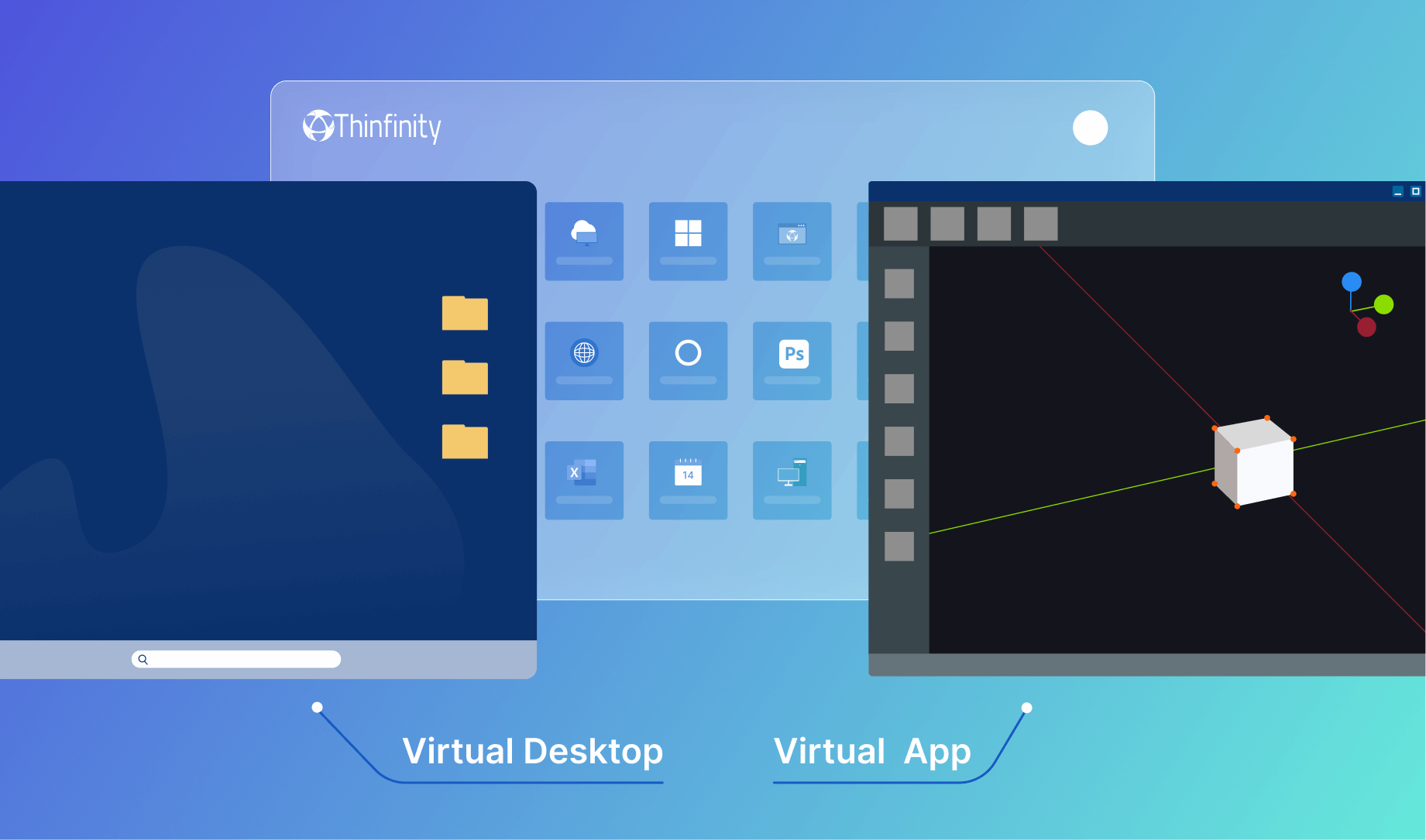
Virtual Applications deliver individual applications without exposing a full desktop. For many teaching scenarios, this is sufficient and preferable.
Common examples include:
- Standard productivity tools
- Programming environments
- Course-specific academic software
- Shared utilities used across departments
Application-level delivery reduces resource consumption and simplifies user experience by focusing only on what is needed for the task.
Reliability Through Simplicity
Virtual Applications are inherently lighter than full desktops. They:
- Start faster
- Consume fewer resources
- Are easier to scale horizontally
- Reduce the blast radius of failures
In environments with hundreds of concurrent student sessions, these characteristics materially improve reliability.
Virtual Classrooms: A Hybrid Delivery Pattern
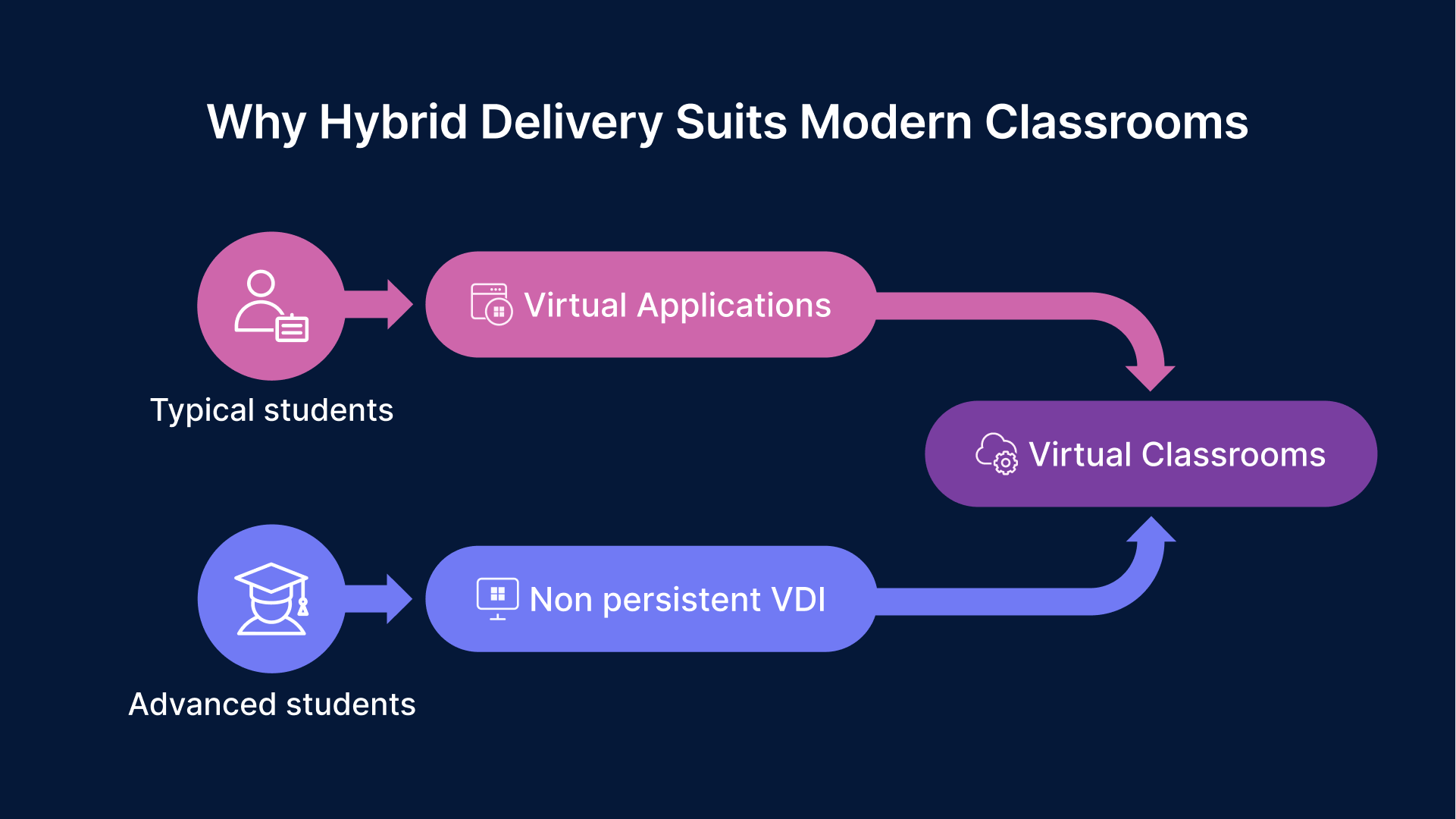
A virtual classroom often requires:
- A predictable set of tools
- Identical environments for all students
- Rapid provisioning and teardown
In most cases, delivering applications rather than full desktops satisfies these requirements more efficiently. For advanced courses, a non-persistent desktop may be used instead.
By mixing delivery models, universities can:
- Reduce idle infrastructure
- Scale classrooms dynamically
- Maintain consistent learning experiences

Lifecycle Management Matters More Than Technology Choice
The defining feature of a successful virtual classroom is not whether it uses VDI or Virtual Applications, but whether its lifecycle is managed intentionally.
Environments should be:
- Created automatically before class
- Available only for the duration of the session
- Removed or powered down afterward
This approach aligns cost and reliability with academic schedules.
Academic Labs: Balancing Performance and Efficiency
General-Purpose Labs
For introductory courses and general academic usage, Virtual Applications or shared desktops often provide sufficient capability. These labs benefit most from:
- Rapid access
- Low per-user cost
- Minimal customization
Specialized and GPU-Backed Labs
Engineering, design, and scientific programs may require:
- Dedicated desktops
- GPU acceleration
- Specialized drivers and libraries
In these cases, full VDI is appropriate—but only when tied to scheduling and controlled access.
Always-on GPU desktops dramatically increase cost without improving outcomes.
Access and Orchestration as the Unifying Layer
Why Delivery Models Should Be Abstracted
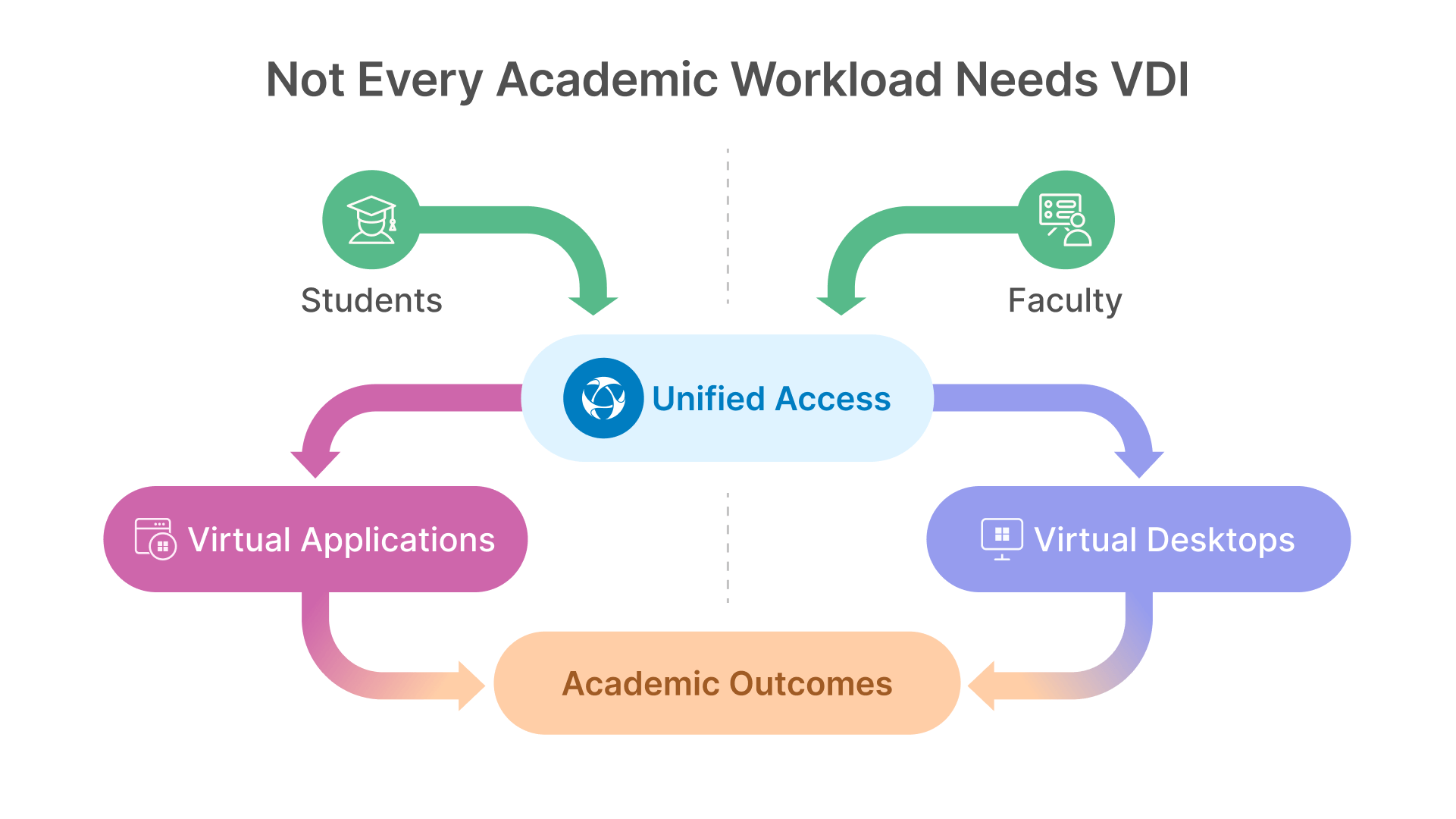
The complexity of managing multiple delivery models increases if each is treated as a separate platform. Universities that succeed with mixed environments rely on a unified access layer that abstracts how resources are delivered.
From a user perspective, access should be consistent regardless of whether the backend resource is a desktop or an application.
Thinfinity’s Role in Mixed Academic Environments
In mixed academic environments, managing multiple delivery models becomes challenging if each one is treated as a separate platform.
To avoid exposing this complexity to users and administrators, institutions rely on a unified access layer that abstracts how resources are delivered.
This is where reference architectures such as Thinfinity Workspace Architecture become relevant.
In cloud and hybrid education deployments, Thinfinity Workspace is commonly used to:
- Present a unified access portal
- Enforce identity-based policies
- Orchestrate session lifecycle
- Route users transparently to desktops or applications
By abstracting delivery complexity behind a single access layer, institutions can select the most appropriate delivery model for each academic use case without increasing operational or administrative overhead.
Designing for Change in Academic Programs
Academic programs evolve constantly. New courses are introduced, software requirements change, and enrollment fluctuates.
Architectures that lock institutions into a single delivery model struggle to adapt. Those that treat VDI and Virtual Applications as complementary tools remain resilient.
Conclusion: The Right Tool for the Right Academic Job
Reliability and cost efficiency in education do not come from standardization alone. They come from intentional design.
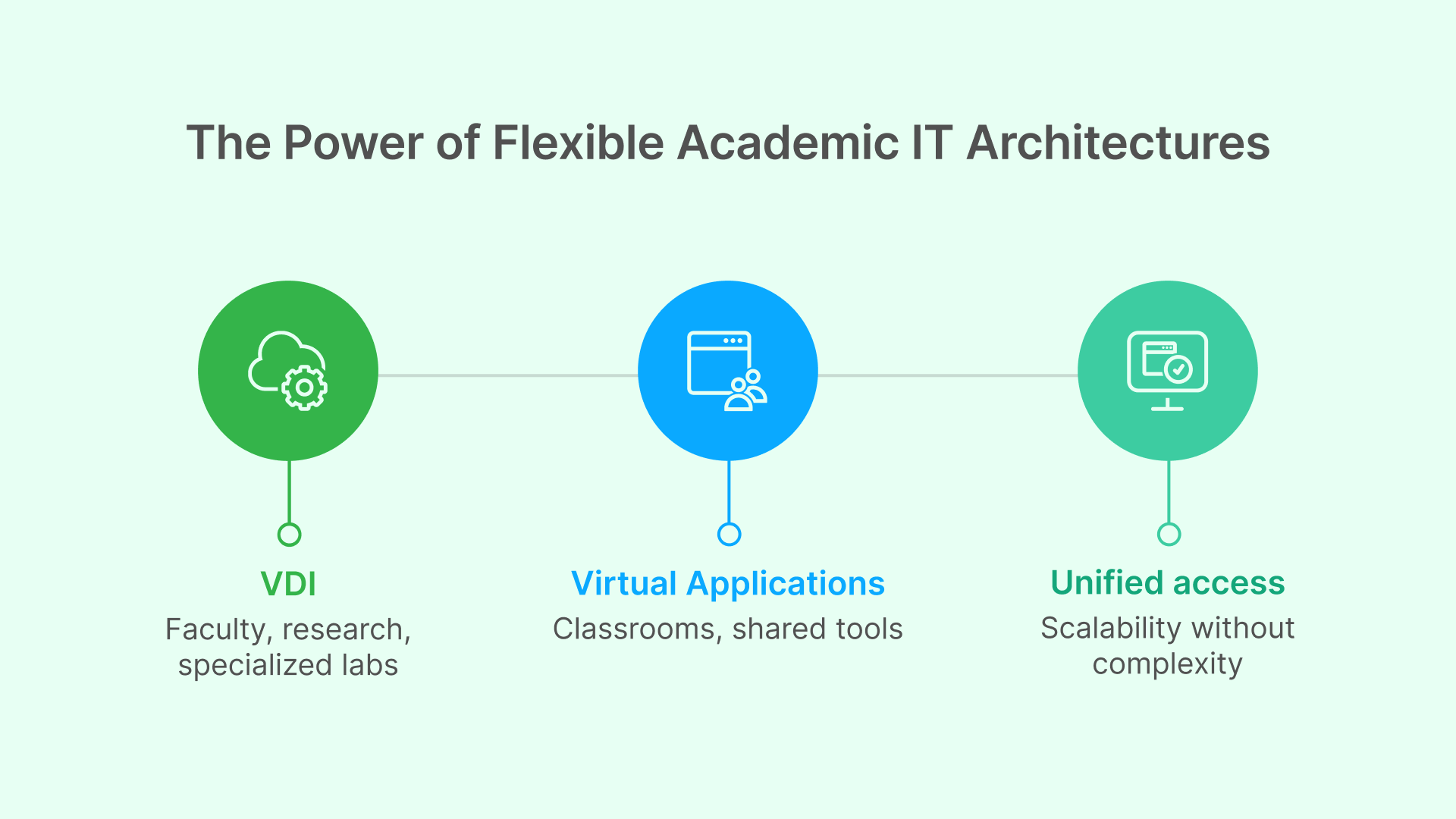
Virtual desktops are indispensable for faculty, research, and specialized labs. Virtual Applications are more efficient for classrooms and shared academic tools. Combining both within a unified access architecture allows universities to scale responsibly while preserving user experience.
As outlined in “Traditional VDI vs Cloud VDI for Education: Where Each Model Actually Works”, the institutions that succeed with cloud VDI are those that align delivery models with academic reality—not those that force all workloads into a single paradigm.